



For each project, system administrators give users different levels of permission by role-based access. Depending on their role, users will see different menus, buttons, or options between projects and colleagues.

In this example, Paul B has a “limited” role and Marie A has a “project manager” role. Note that system administrators can either use default roles or create new ones.
Previous tips can be found under the Software tip category in the News section and in the Archives section of our website.
Latest news

Using ioGAS in Geoscience ANALYST Pro – Virtual Lecture
Past event, recording available here...

K-means clustering
In Geoscience ANALYST Pro’s v3.3, you can quickly partition your data based on the K-means clustering...

Viewing data from report items
In Geoscience INTEGRATOR table and chart items from ad-hoc or scheduled reports can be easily refreshed, using the same filters that were applied in the original report, to display current data.

Filtering time-based data
In Geoscience INTEGRATOR, there are various ways to filter time-based data, by shirts, property, or even day intervals...

Creating 3D geological starting model from geological maps and structural measurements
In this lecture, Philippe generates a 3D geological model from a map with structural measurements in Geoscience ANALYST...

Cloning import templates
In Geoscience INTEGRATOR, cloning an import template provides a ready-to-edit copy without having to build a new one from scratch...

Bounding boxes in the viewer
Coloured bounding boxes are used to highlight volumes in the Viewport: A purple box surrounds your current selection...
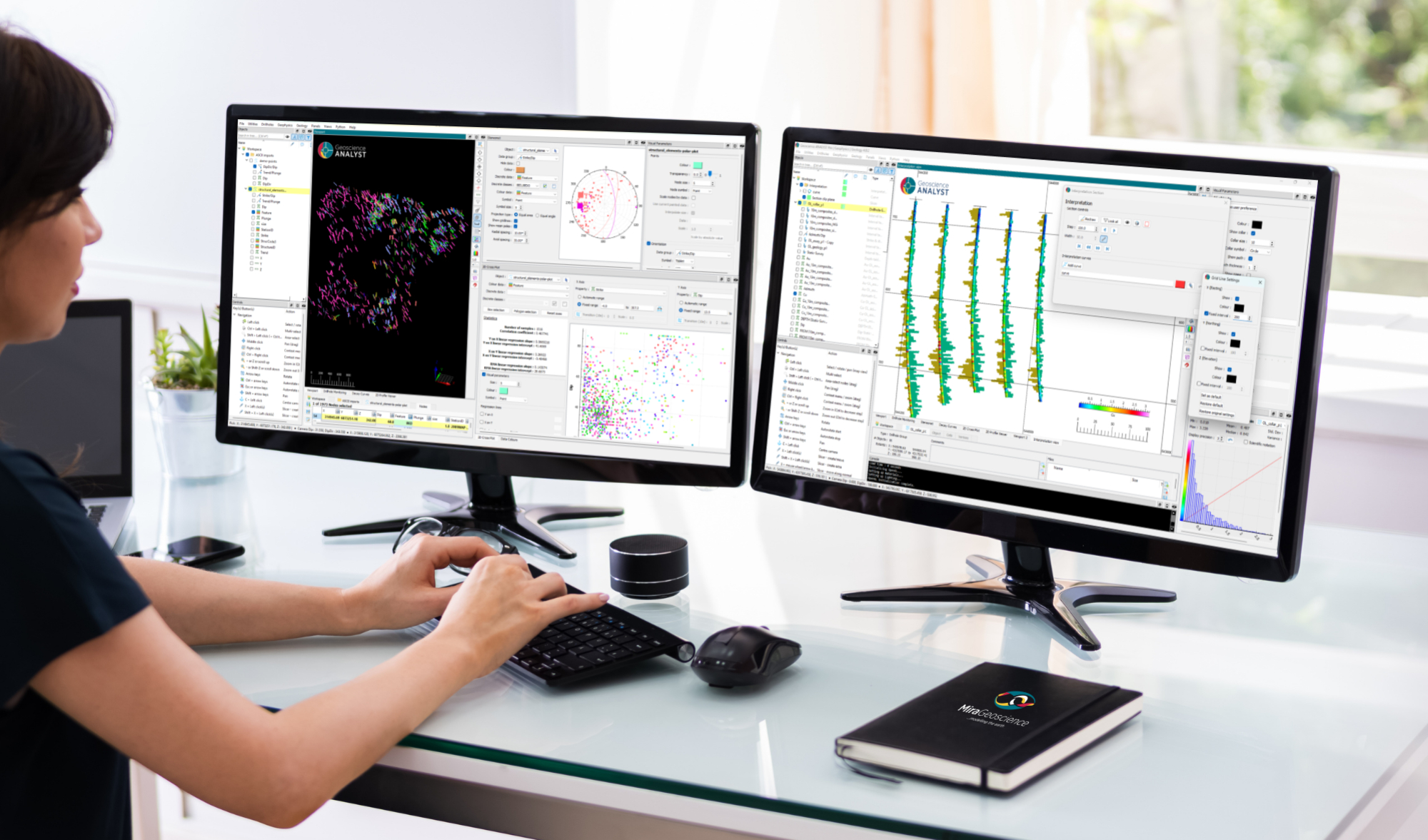
New release – Geoscience ANALYST 4.8
Geoscience ANALYST 4.8 delivers exciting new enhancements across all product options. Upgrade today!

Monitoring folders
Geoscience INTEGRATOR's monitoring folders can be used to automatically import files to a project to save time and streamline regular updates.

Q&A with Oleg Brovko, Senior Project Geophysicist at Geofocus
Join us in this exciting conversation with Oleg Brovko on harnessing Geoscience ANALYST and open-source technology for advanced geophysical solutions

Organizing files as data sets
In Geoscience INTEGRATOR, a data set is often composed of a group of files of various formats along with metadata. These can be grouped...

Upload global descriptions
In Geoscience INTEGRATOR, add an editable global description during import to save time and reduce errors...