We offer a wide range of custom training options to help you develop your user skills, work more effectively, and extract more value from your geoscience data.
Custom Training in GOCAD Mining Suite
The following courses are part of our basic offering and are available in different formats, including remote and on-demand.
Introduction to GOCAD Mining Suite
This introductory course provides an overview of the key concepts and core modelling philosophy in GOCAD® Mining Suite.
Through hands-on exercises, you will learn how to open a project, navigate the interface, import multi-disciplinary data, and the basics of 3D visualization and exploratory data analysis.
Discover how to construct an integrated 3D geological model and define target regions for future exploration.
GOCAD Mining Suite Fundamentals
This training explores the notions learned in the Introduction to GOCAD Mining Suite in depth.
In this course, you will gain experience with object creation, digitization, and editing.
Construct lithological contacts from various data types such as surface geology maps, structural measurements, drillhole pierce points, and geophysical data.
Build an integrated Common Earth Model and populate it with 3D exploration criteria, from which you will compute a mineral potential index.
Introduction to Potential Field Interpretation in GOCAD Mining Suite
This course introduces the tools available for importing, assessing, and interpreting geophysical data.
Construct a 3D magnetic model by interpreting a body from TMI data and computing its magnetic response using VPmg.
GOCAD Mining Suite Targeting Workflow
Explore 3D multi-disciplinary targeting techniques for mineral exploration.
Discover how to generate sound exploration targets using knowledge-driven and data-driven techniques of combining weighted exploration criteria derived from geological, geochemical, and geophysical data and interpretation.
GOCAD Mining Suite Advanced Interpretation
This course is designed for geoscientists that already have a basic knowledge of the tools available in GOCAD and are looking to expand their skill set.
Explore the visualization and interpretation technologies available in the Advanced Interpretation Package.
The training is divided into 4 independent parts:
1D and 2D views such as cross sections, well sections, and maps
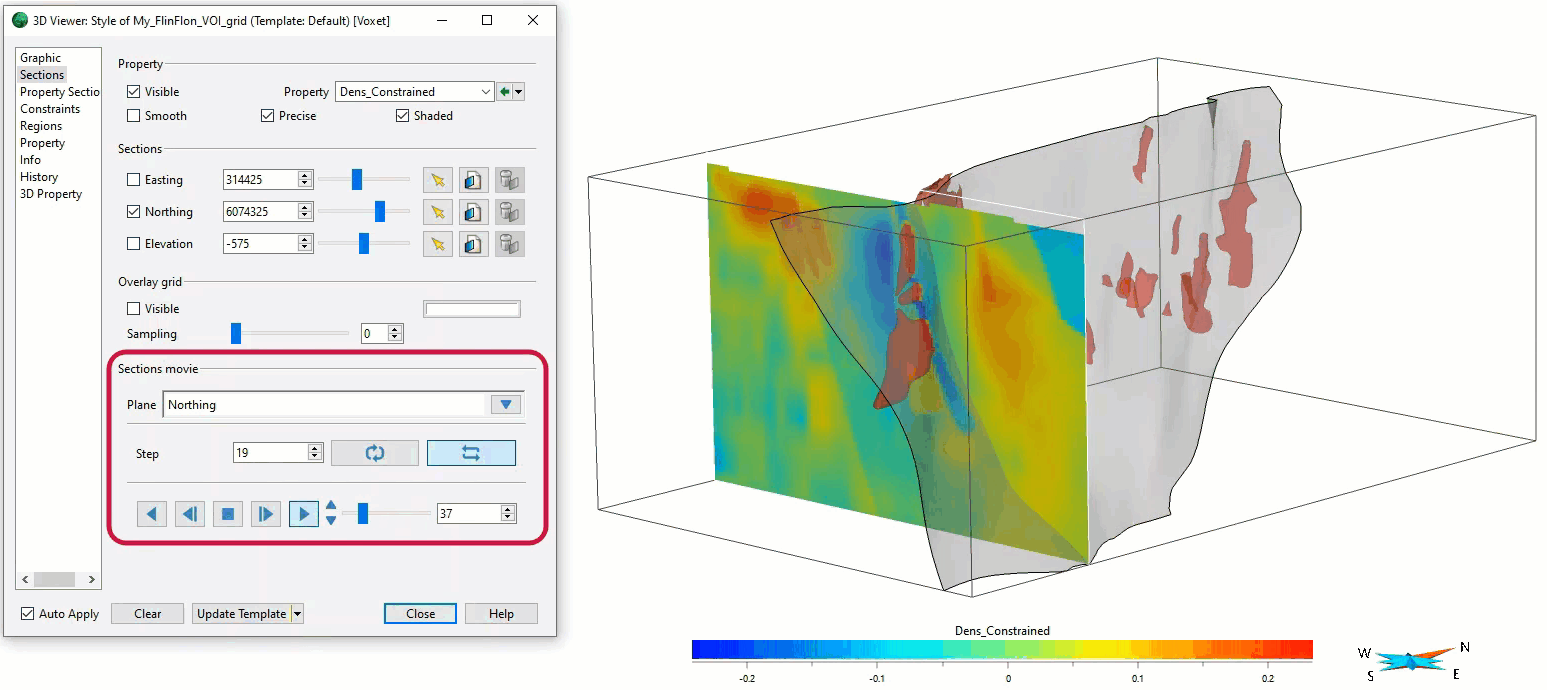
Advanced visualization for 3D Voxets
Geostatistics, variogram modelling, and interpolations/ simulations
Modelling of faults and horizons from 2D and 3D seismic interpretation
If you have specific needs, visit the Mira Geoscience Support Portal to raise a ‘Training Request’, and our team will get back to you as soon as possible.
Join us in this exciting conversation with Michael Gunning on how to find success in blue-sky exploration through integrated interpretation of magnetic data and structural geology