



Virtual Lecture series – Coffee break… and learn!
Like this video? Go to our YouTube Channel for more!
In this video Carla Gonzalez shows how to maximize displaying drillhole data in Geoscience ANALYST free Viewer. She demonstrates different ways to display geological logs, geochemical assays, and downhole geophysics data in drillholes.
In 10 minutes she shows how to:
- Import drillhole data into Geoscience ANALYST
- View a drillhole’s survey data
- Paint drillholes by assays and geology logs
- Scale logs by data
- Display profiles for assays and geophysical logs along the drillholes
- Visualize drillhole strike and dip measurements as oriented 3D tablets

Carla is our Trainer for SKUA-GOCAD and Geoscience ANALYST. In this role Carla participates in testing, documentation, and support. She has previous experience with Apex Geoscience, Maple Gold Mines, and Pretium Resources where she was primarily involved with geological field work. She has a BSc in Earth and Planetary Sciences from McGill University. Carla is based in Montreal.
Latest events and news
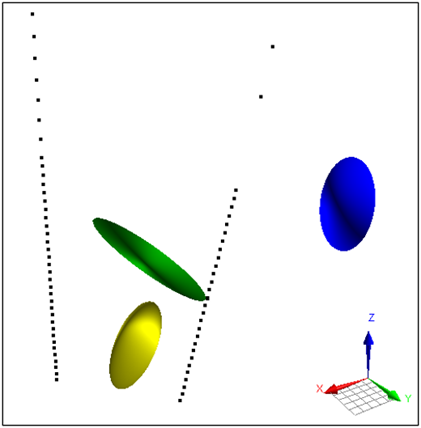
Parametric Ellipsoid Modelling in Geoscience ANALYST Pro Geophysics
A Fast New Way to Interpret TEM Anomalies. Read more >>

Object’s Info
In GOCAD Mining Suite you can see how many nodes or triangles your Surface object consists of by right-clicking on...
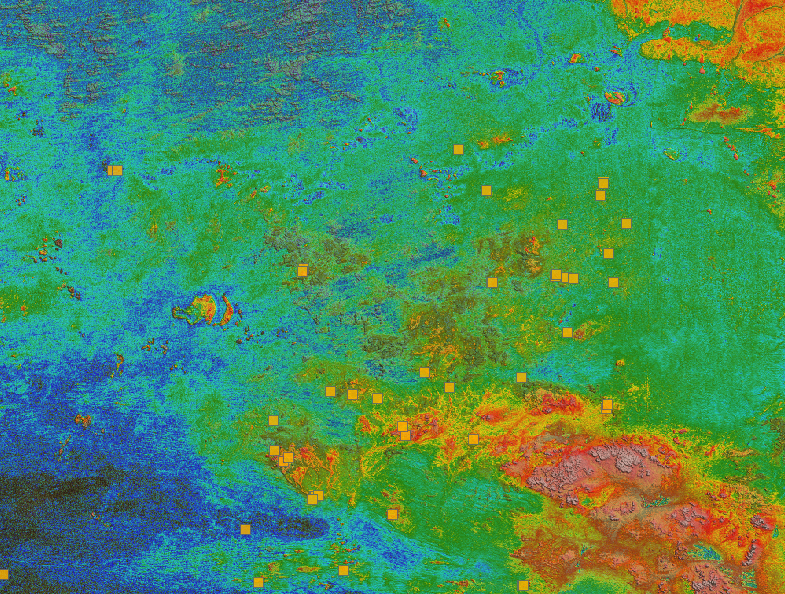
Building a greenfields project from public data in Geoscience ANALYST Pro – Virtual Lecture
See recording - Gem shows how Geoscience ANALYTS is a great tool to do exploration without getting your boots dirty...

New importer: 2D SEG-Y
In Geoscience ANALYST you can visualize your block model data by volume in the Visual Parameters panel...
..

3D seismic data and survey designer tools
Coming soon to Geoscience ANALYST, tools for hard rock seismic...
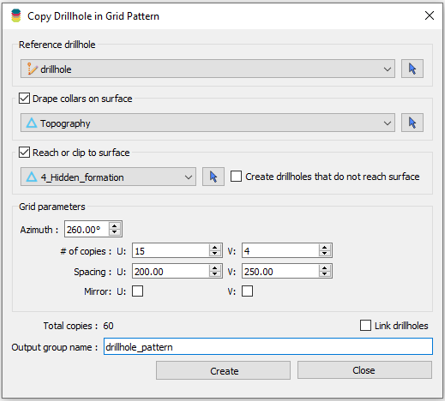
Copying drillholes in a grid pattern
In Geoscience ANALYST you can copy an existing drillhole’s collar and deviation in a grid pattern to map a mineralized horizon...
Digital Mapping, The Future!
Capture geological observations quickly, safely, and accurately, both in the field and office with HiveMap...

Quick selection search tool
In Geoscience INTEGRATOR we added a search box to help you find objects lists such as drillholes, samples, or stations that often have thousands of items...

Filter records with, or without files associated to them
Geoscience INTEGRATOR offers the convenience of associating files to data records to...

Editing property’s colormap
In GOCAD Mining Suite, when you select a property its colormap can be edited...

Peak finder – Geoscience ANALYST geoapps: Python application
Past event. Link to recording available here.

Georeference images
In Geoscience ANALYST Pro you can georeference your geology maps and cross sections with...