



View your object’s properties in a tabular format with the Tabular Property Viewer  .
.
The coordinates of every node or cell in the object, as well as any associated properties, are displayed as columns. This tool includes a few neat features:
- Atom Picker
 : click on a node in the 3D Viewer and the table will auto-scroll to show that node’s coordinates and property values.
 - Create a PointsSet from Table Selection
 : creates a PointsSet from any highlighted nodes in the table, with the option to copy properties.
 - Right-clicking on columns to sort the table, show/hide properties, and compute their property statistics.
 : click on a node in the 3D Viewer and the table will auto-scroll to show that node’s coordinates and property values.
 : creates a PointsSet from any highlighted nodes in the table, with the option to copy properties.
Previous tips can be found under the Software tip category in the News section and in the Archives section of our website.
Latest news
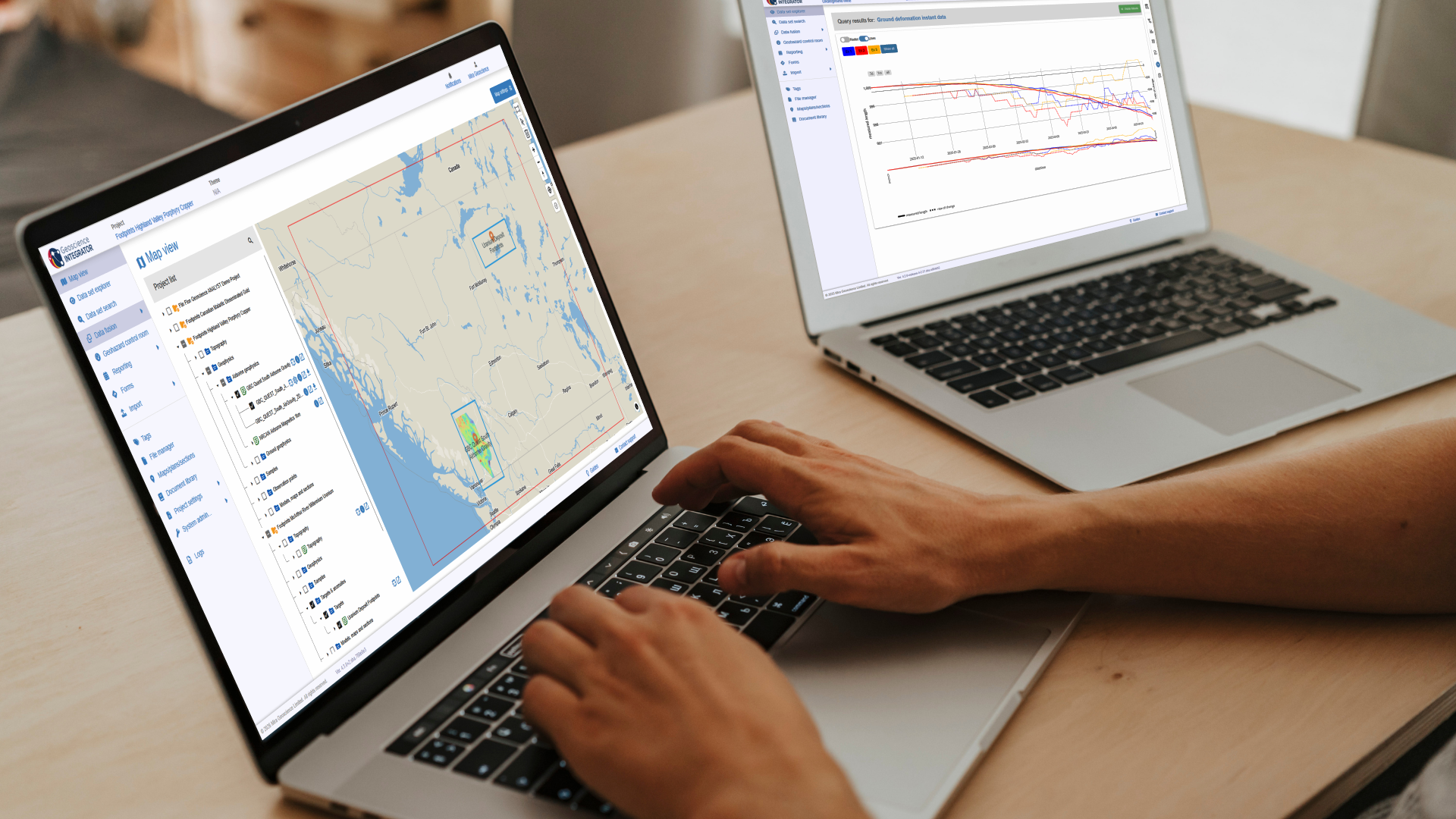
New release – Geoscience INTEGRATOR 4.3
Geoscience INTEGRATOR 4.3 introduces exciting new features to help you manage your data more efficiently and streamline your workflow

Georeference images
In Geoscience ANALYST Pro you can georeference your geology maps and cross sections with...
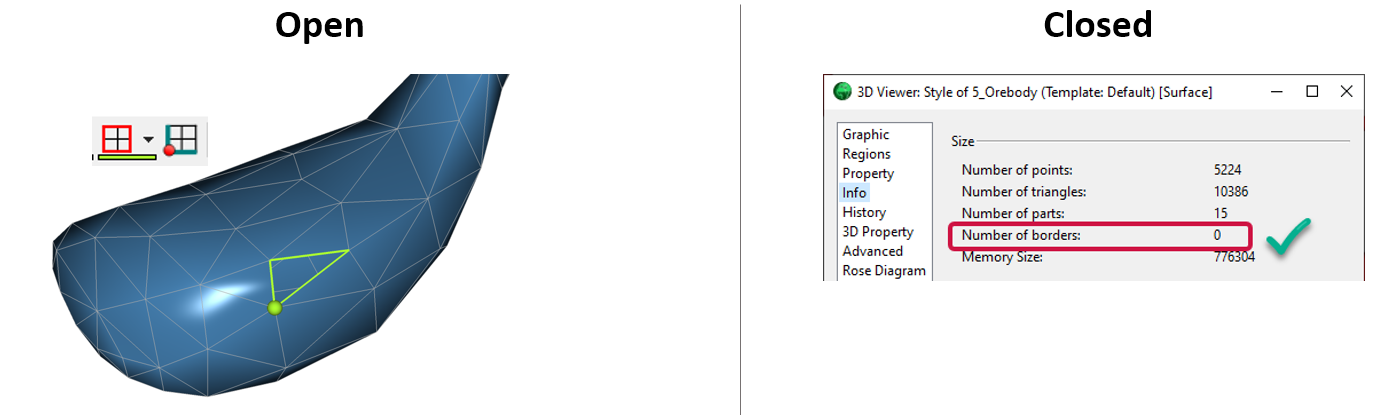
Is the surface opened or closed?
In GOCAD Mining Suite you can easily know if your surface is opened or closed by...

Object’s Info
In GOCAD Mining Suite you can see how many nodes or triangles your Surface object consists of by right-clicking on...

Visualize 3D vector properties
In GOCAD Mining Suite the normal of a surface is an example of a 3D vectorial property, where the components of the vector are...
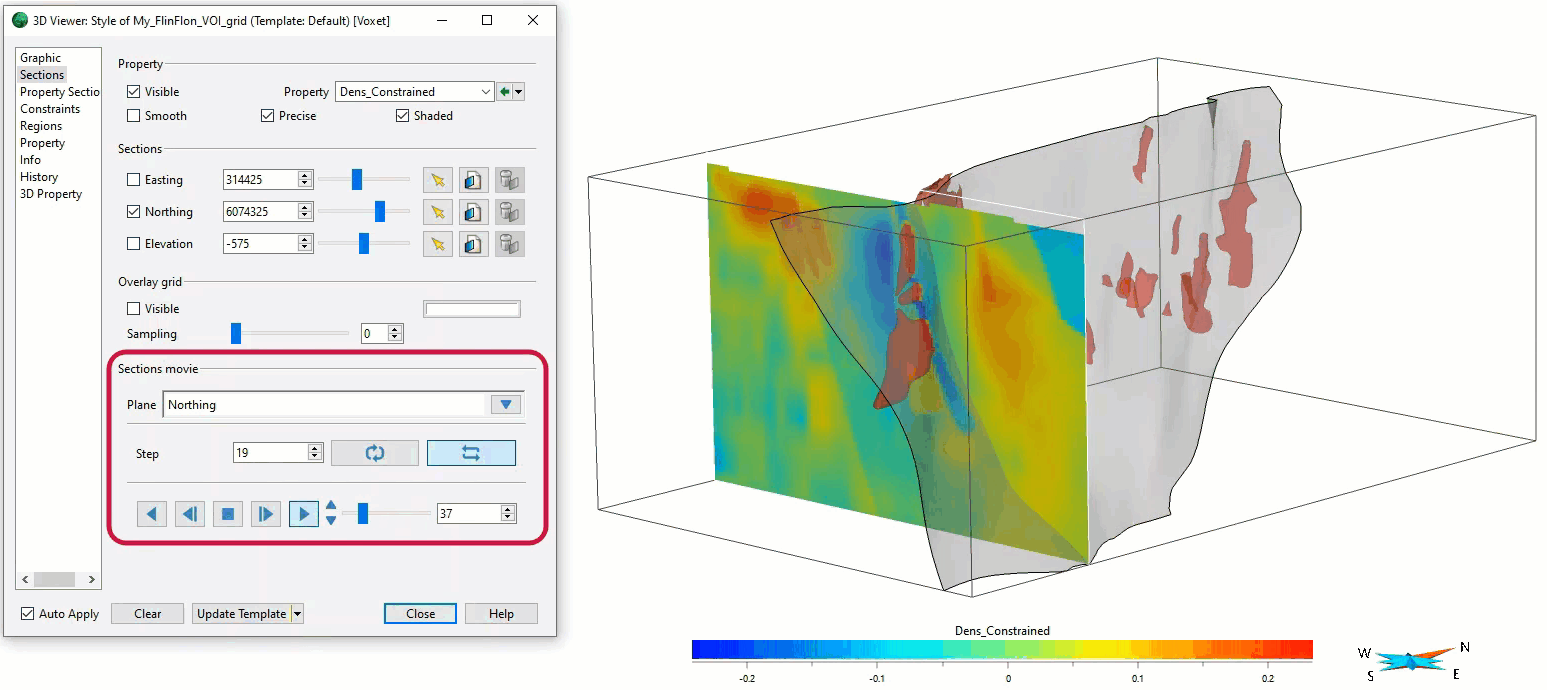
Sections movies
In GOCAD Mining Suite, you can create a section animation by specifying which section plane you want to visualize...

Macros
In GOCAD Mining Suite you can save lots of time with SKUA-GOCAD’s macros, a built-in scripting tool in which you can record or enter a sequence of commands to carry out or repeat at any time...

Quick selection search tool
In Geoscience INTEGRATOR we added a search box to help you find objects lists such as drillholes, samples, or stations that often have thousands of items...

Building a geological framework from exploratory modelling of magnetic data – Virtual Lecture
Join us on May 19, 2022 at 11am Pacific Time as Shaun O'Connor will demonstrate how to use the built-in scripting tools for exploratory geological modelling with sparse data...

Filtering time-based data
In Geoscience INTEGRATOR, there are various ways to filter time-based data, by shirts, property, or even day intervals...

Themes
Geoscience INTEGRATOR v3.5 and Geoscience ANALYST v3.2 include new themes and renamed ones to help you to locate data in a more intuitive way.

Deep Learning as an alternative to downward continuation filters for structural interpretation
Jean-Philippe Paiement proposes an alternative approach to the commonly used downward continuation filters used in the industry...