



You can drag and drop or upload up to 30 files at a time through the File manager and Maps/plans/sections pages. The files will share the same type, tags, and data sets settings, but their description can be customized.

Previous tips can be found under the Software tip category in the News section and in the Archives section of our website.
Latest news

GEOH5: A Framework for Geoscience Data and Model Portability
Used by thousands, GEOH5 is the open-source data structure that is taking down the interoperability barriers and revolutionizing...

Improved scatter plots
In Geoscience INTEGRATOR, you can can increase/decrease the node size, take snapshots, zoom in on an area of interest...

A robust workflow for regional porphyry targeting; Application to the QUEST-South project area in southern British Columbia
Mitigating data science and statistical challenges is crucial to integrate machine learning into the everyday targeting tasks of exploration geologists.
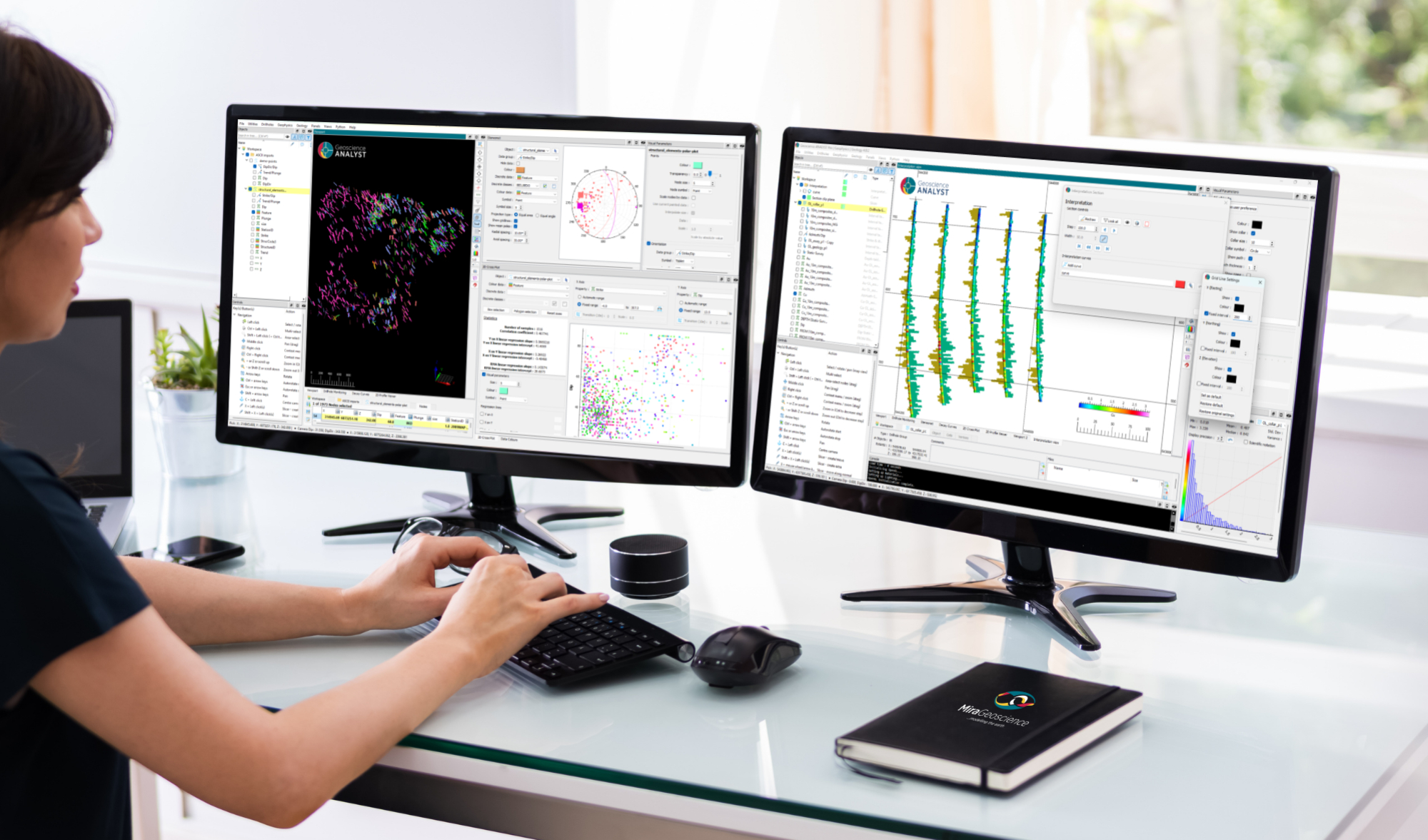
New release – Geoscience ANALYST 4.8
Geoscience ANALYST 4.8 delivers exciting new enhancements across all product options. Upgrade today!

3D seismic data
In Geoscience ANALYST you can import and visualize 3D seismic data, and plan your next seismic survey with the seismic reflection survey designer....

Rapid and accurate mapping
We explain how automated generation of alteration maps using radiometric data is well-suited to large-footprint mineral systems...

DC resistivity inversion in Geoscience ANALYST Pro Geophysics
Past event, view here or via our YouTube channel...

Upload global descriptions
In Geoscience INTEGRATOR, add an editable global description during import to save time and reduce errors...

Object’s Info
In GOCAD Mining Suite you can see how many nodes or triangles your Surface object consists of by right-clicking on...

Attending PDAC 2026?
Visit us at booth 814 to see our software solutions in action and discuss your needs with our expert team!

Easily display a property on multiple objects
In GOCAD Mining Suite objects are grouped by the properties they contain...

Sneak peek v19
Emerson-Paradigm released a short video to help users become acquainted with the redesigned interface. Watch this short video ...