



We are excited to announce the release of GOCAD Mining Suite V14.5
The technology behind GOCAD Mining Suite, formerly SKUA-GOCAD™, was rebranded as Aspen-SKUA™ following its 2022 transition from Emerson to AspenTech. As a result, the latest release of GOCAD Mining Suite (GMS) has also been renamed, transitioning from GMS 22u1 to GMS V14.5.
GOCAD Mining Suite V14.5 is the first release built on Aspen-SKUA V14.5. It expands the Python API, enhances connectivity with Geoscience ANALYST, and improves interoperability through the open GEOH5 format.

If you don’t have an active licence, you will need to update it to avoid any disruption in the usage of the software. Please contact our Licensing team at licensing@mirageoscience.com to request an updated licence file before proceeding with this update.
Additional resources
- Find the complete ‘Release Notes’ in the ‘Help’ menu tab of the software interface.
- Visit our Resources website and YouTube channel for how-to videos, virtual lectures, tips and tutorials, and more.
- For training options and technical enquiries, visit our Support Portal.
- For questions on how to activate or access the software, contact us at licensing@mirageoscience.com.
- Sign up for our email communications and join our community on LinkedIn to stay abreast of the latest news.
Please contact our team for additional information about our products and services
Latest news

GOCAD Mining Suite – A geological modelling powerhouse
Past event, recording link available here...

GEOH5: A Framework for Geoscience Data and Model Portability
Used by thousands, GEOH5 is the open-source data structure that is taking down the interoperability barriers and revolutionizing...

Q&A: Revival Gold Inc.
We discussed Mira Geoscience’s contribution to further understand the Beartrack-Arnett gold project area using modern exploration techniques...

Coordinate display area
In Geoscience ANALYST you can get real-time feedback on the XYZ coordinates corresponding to the...
..

Importing and visualizing VP Geophysics models
In Geoscience ANALYST v3.1, VP Model objects can now be imported by a simple drag and drop! You can then visualize the model and,...

Scripting
In Geoscience ANALYST Pro the Script on Object Property utility in Geoscience ANALYST Pro can be used in a wide variety of geoscientific applications...

What’s new in Geoscience ANALYST version 4.0 – Virtual Lecture
Watch as Carla shows the new and updated tools in Geoscience ANALYST 4.0...
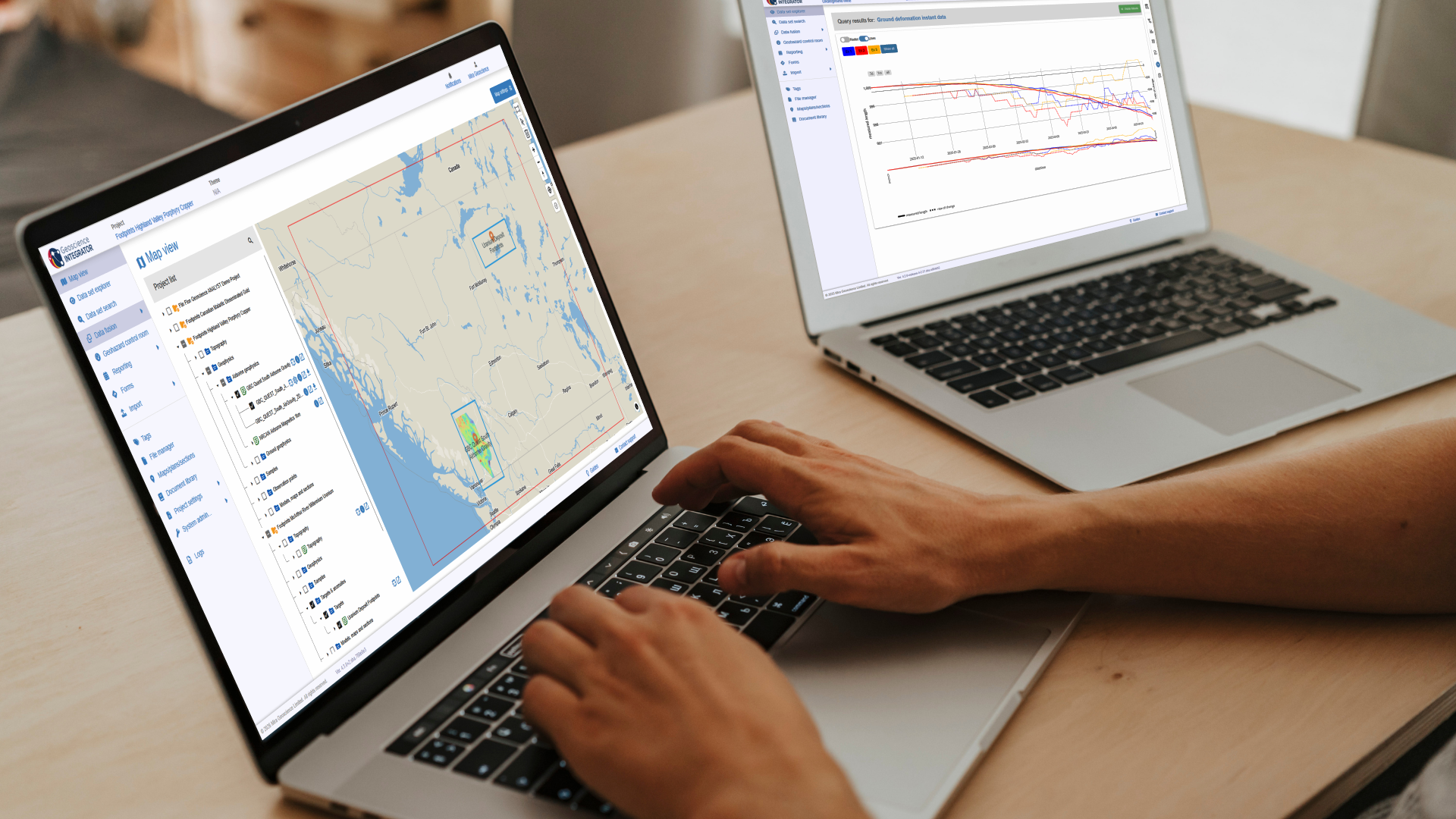
New release – Geoscience INTEGRATOR 4.3
Geoscience INTEGRATOR 4.3 introduces exciting new features to help you manage your data more efficiently and streamline your workflow

Arbitrary sections
In Geoscience ANALYST visualize your block model in any direction with the new arbitrary section

Drillhole Statistics
In Geoscience ANALYST you can compute drillholes’ deviation statistics. These include...

Day interval filters
In Geoscience INTEGRATOR the Day interval filter can be used to search your time-based data for “the last X days”, or...