



The Transfer Object Data utility has numerous applications, for example:
- Transfer geophysical inversion results to a geological model in order to analyze both data simultaneously with Property Blending and in the Data Table
- Transfer assay values onto a geological horizon to identify drilling targets
- Transfer downhole physical properties from points to a block model

The data is transferred from the Source object to the Destination object using nearest neighbor interpolation.
Data will only be transferred within a defined search radius; nodes or cells outside the search radius will have a no-data value.
If the weighted average option is set to 5, for example, the tool will compute a weighted average of the nearest 5 points, where the weight is the distance to each point.
You can transfer data with Geoscience ANALYST Pro. Watch a demo of this tool. Previous tips can be found here. Should you have any questions, do not hesitate to contact support.
Previous tips can be found under the Software tip category in our Resources page and in our Archives page.
Latest news

Tagging query results

Data display precision

Search for data by spatial extent

Let the data speak!

VPmg, VPem1D and VPutility release
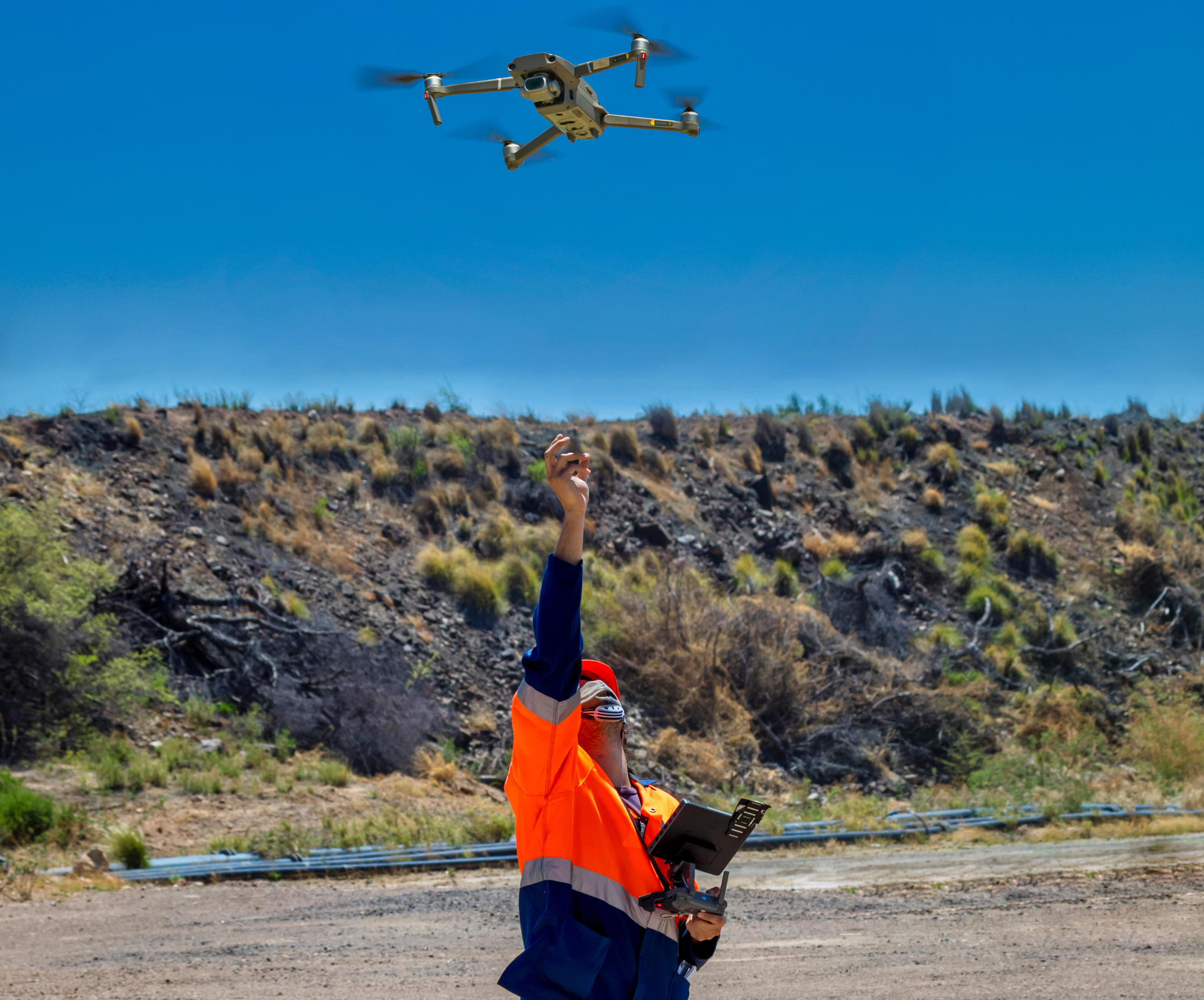
Creating Digital Models of Rock Exposure for Geological and Geotechnical Mapping

Create regions – Crossplot 2D

Reopening selected commands

Building a geological framework from exploratory modelling of magnetic data – Virtual Lecture

Using Python with Geoscience ANALYST

Editing file settings
