



A project is likely to collect a great quantity of files on both the File manager and the Maps/plans/sections pages. On top of using Tags and Data set linking, you can give them a File type from a customizable list in the project settings.

Previous tips can be found under the Software tip category in the News section and in the Archives section of our website.
Latest news

Search for data by spatial extent
This video shows you how to search for data from Geoscience INTEGRATOR by spatial extent...

Cloning import templates
In Geoscience INTEGRATOR, cloning an import template provides a ready-to-edit copy without having to build a new one from scratch...

Roles and permissions
In Geoscience INTEGRATOR, system administrators give users different levels of permission by role-based access...

Using magnetic susceptibility measurements to define mineral exploration targets
Combining magnetic survey data with measured drillcore susceptibility data greatly increases the resolution and geometrical accuracy of the magnetic inversion...
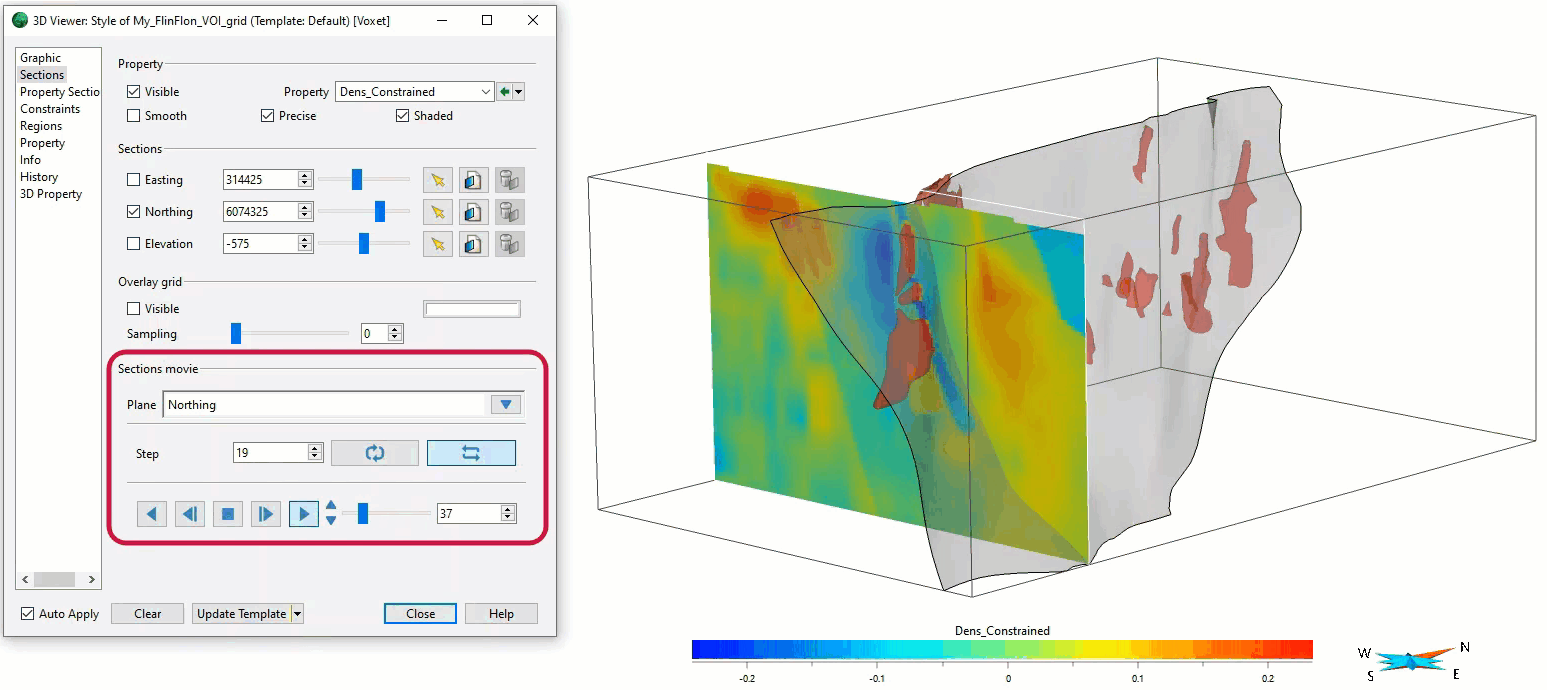
Sections movies
In GOCAD Mining Suite, you can create a section animation by specifying which section plane you want to visualize...

Snapshot grid sections
In GOCAD Mining Suite quickly take snapshots of your Voxet sections using the snapshot tool...

Block model volume
In Geoscience ANALYST you can visualize your block model data by volume in the Visual Parameters panel...
..

Automatic rotation
In Geoscience ANALYST you can autorotate viewport when presenting your 3D geoscientific data and models...
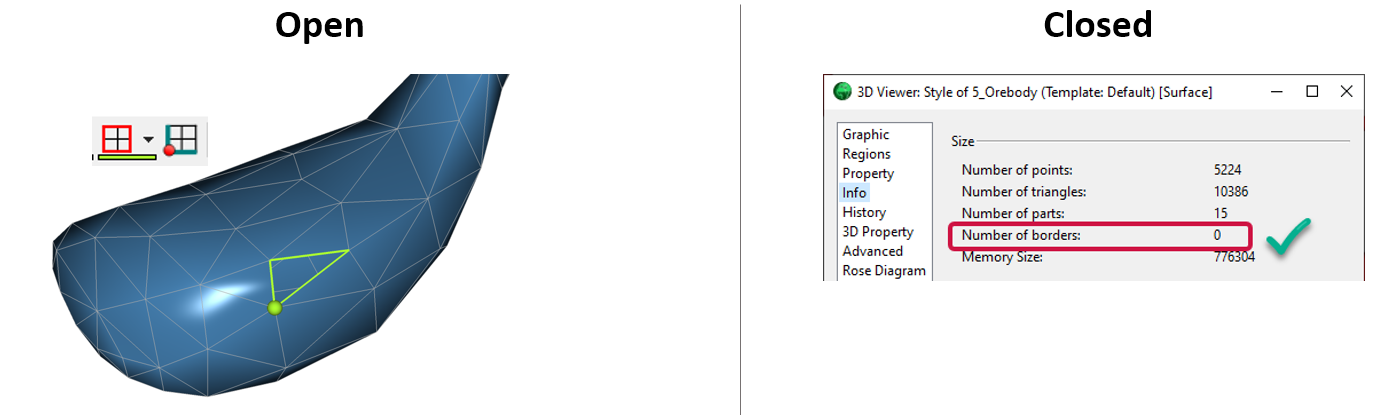
Is the surface opened or closed?
In GOCAD Mining Suite you can easily know if your surface is opened or closed by...

25 years modelling the earth together
Dedicated to driving technological innovation and excellence in the realm of geoscience. Your success is at the heart of everything we do.
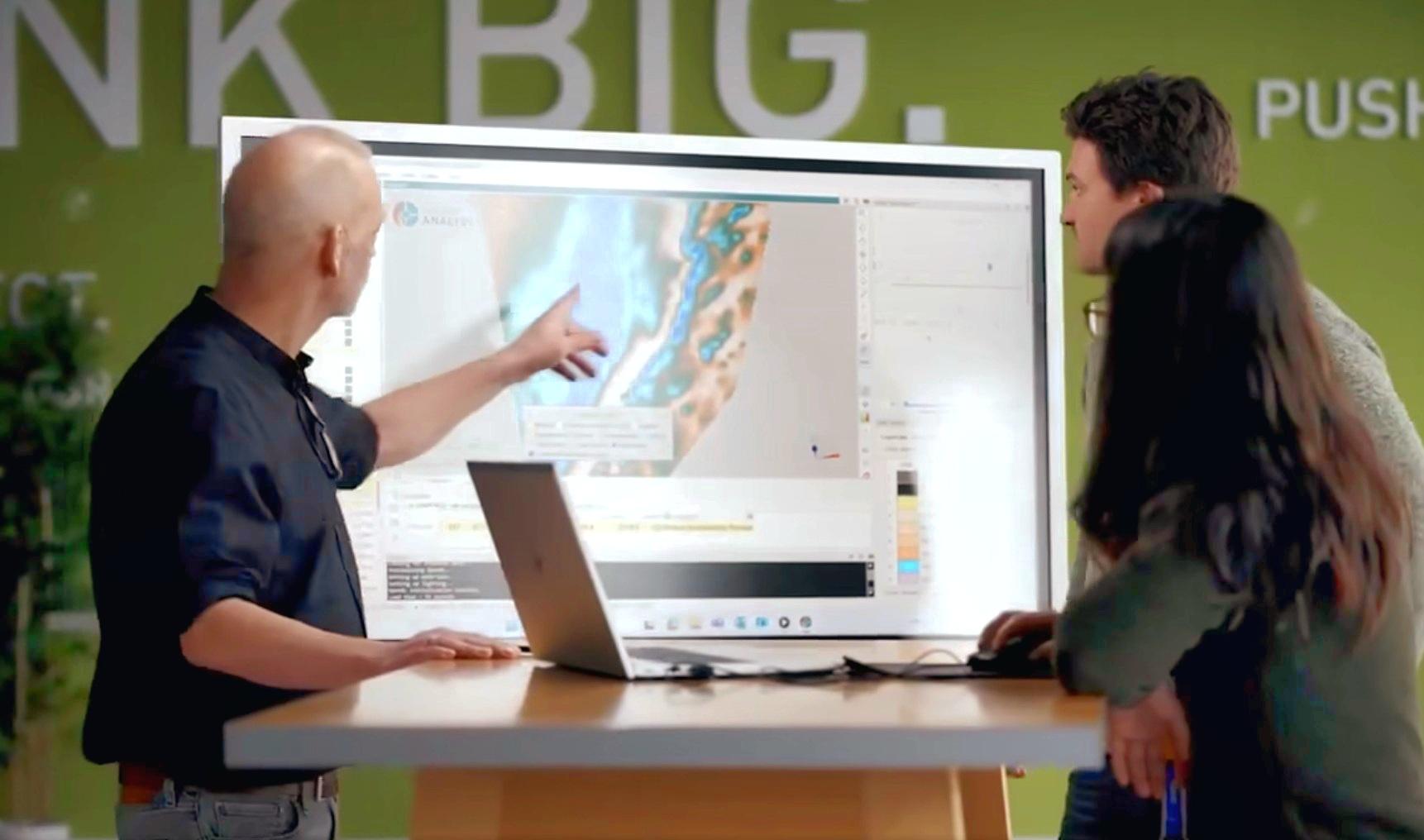
Revolutionizing Subsurface Interpretation and 3D Visualization with Geoscience ANALYST Pro
Discover how EnBW is bridging the gap between 2D mapping, 3D seismic interpretation, and integrated geophysical workflows

Québec Mining 2024
Explore the full interview that Scott Napier did for Québec Mining 2024