



In GOCAD Mining Suite’s next update, v19u2, connectivity with Geoscience ANALYST’s workspace is more efficient with direct import of geoh5 files.

With this ability to both import and export geoh5, you can seamlessly go between GOCAD Mining Suite and Geoscience ANALYST. The Visual Parameters and Viewport settings are preserved and the object tree is replicated as lists in the Lists browser.
Previous tips can be found under the Software tip category in the News section and in the Archives section of our website.
Latest news

Sneak peek v19
Emerson-Paradigm released a short video to help users become acquainted with the redesigned interface. Watch this short video ...

Show and hide
In Geoscience ANALYST you can show and hide everything, individual objects, container groups or drillhole groups...
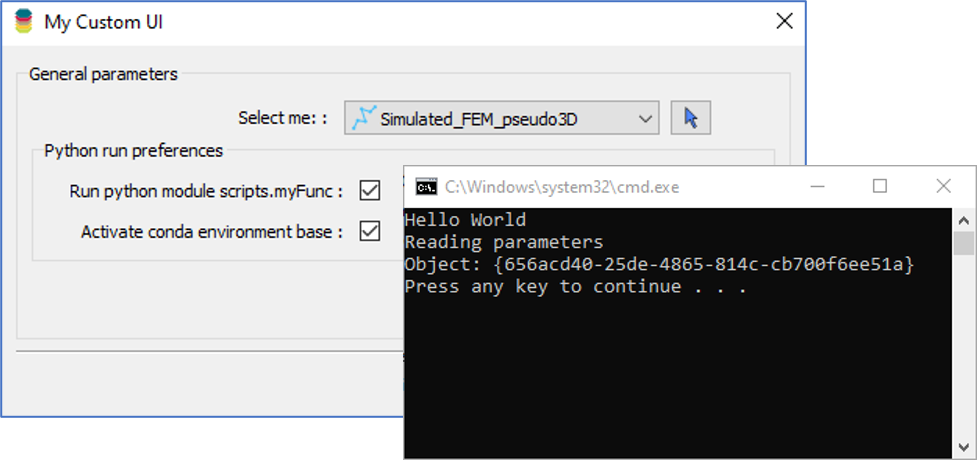
Using Python in Geoscience ANALYST Pro – Virtual Lecture
Past event, link available here...

SimPEG open-source modelling and inversion with Geoscience ANALYST Pro Geophysics
This workshop teaches you to use multiple geophysical datasets and the newest SimPEG tools in Geoscience ANALYST Pro Geophysics.


New release – GOCAD® Mining Suite V14.5
GMS V14.5 expands the Python API, enhances connectivity with Geoscience ANALYST, and improves interoperability through the open GEOH5 format.

Linking cursors
In Geoscience ANALYST you can use the Link Cursors button to helps to track the location of your cursor across multiple Viewports...
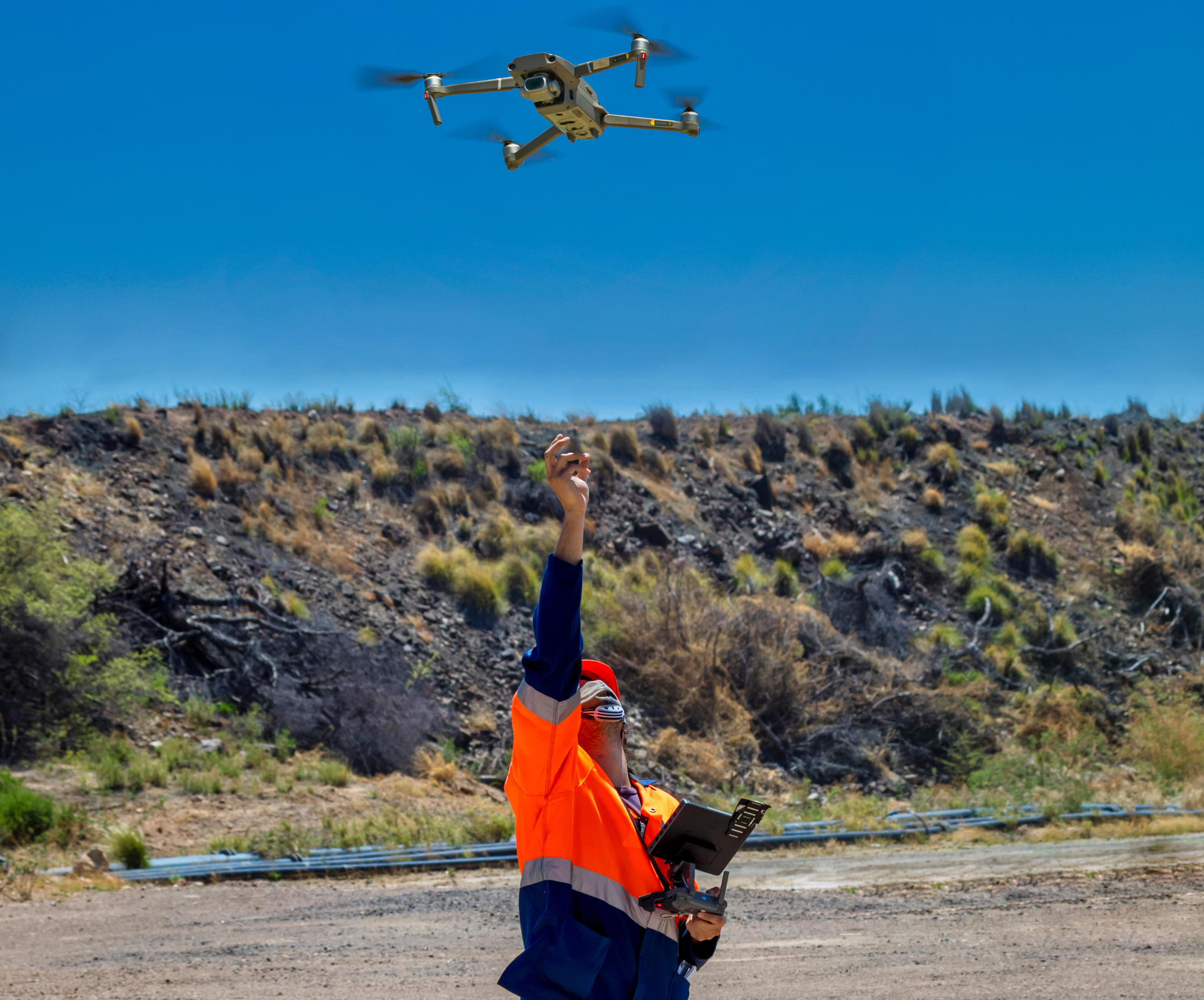
Creating Digital Models of Rock Exposure for Geological and Geotechnical Mapping
Capture geological observations quickly, safely, and accurately, both in the field and office with HiveMap...

Using Python with Geoscience ANALYST
A new Geoscience ANALYST Python API, providing the capability of connecting to open source software, is scheduled for release....

New release – Geoscience ANALYST 4.6
Geoscience ANALYST 4.6 brings performance improvements and key new features to all modules. Download it now!
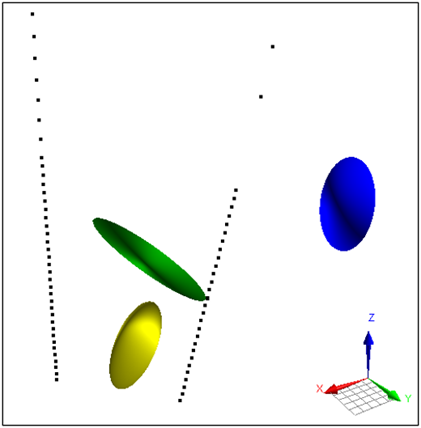
Parametric Ellipsoid Modelling in Geoscience ANALYST Pro Geophysics
A Fast New Way to Interpret TEM Anomalies. Read more >>

New release – GOCAD® Mining Suite 22 update1
GMS 22u1 comes with improved connectivity to Geoscience ANALYST and better interoperability with GEOH5.