



In the Voxet’s Style Editor > Sections, you can select Add section  to create additional sections. In this area you can also hide/show the sections, use the slider and arrow to position them along the Voxet, and delete them.

If you have the Advanced Interpretation Package, you can click R to activate Restricted Mode and visualize the surfaces as only outlines on the Voxet section.
Previous tips can be found under the Software tip category in the News section and in the Archives section of our website.
Latest news

New release – Geoscience ANALYST 4.7
Geoscience ANALYST 4.7 delivers a significant set of new tools and performance enhancements. Download it now!
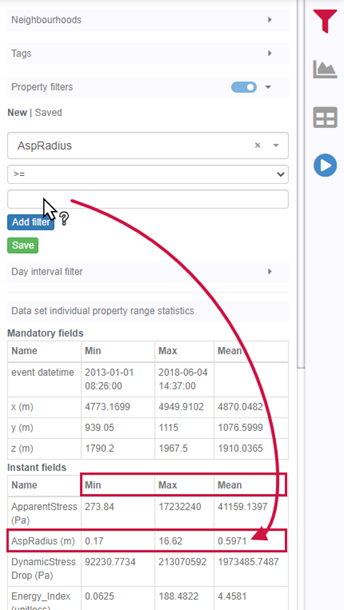
Property value range
In Geoscience INTEGRATOR, You can refer to the range of values in the query panel to apply numeric property filters...
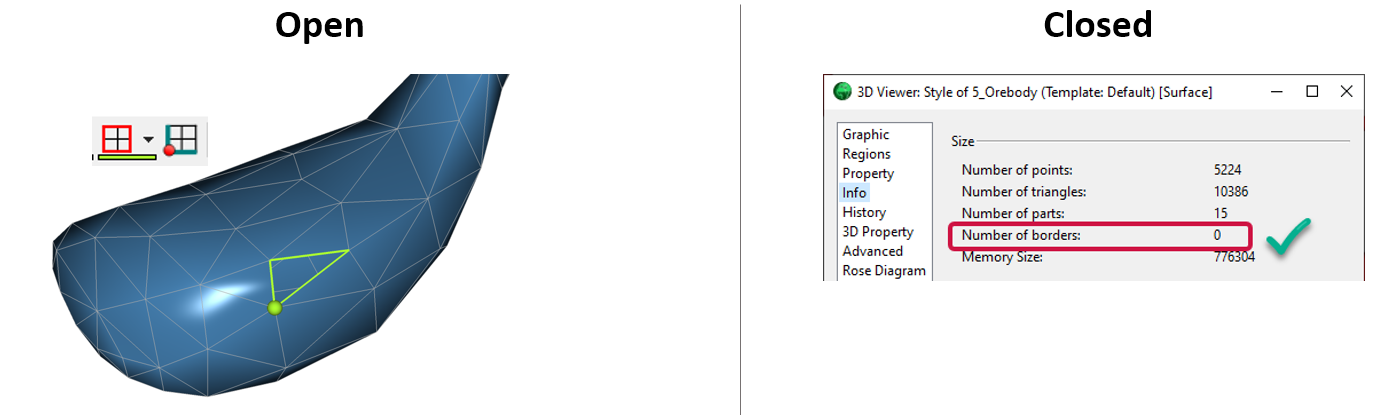
Is the surface opened or closed?
In GOCAD Mining Suite you can easily know if your surface is opened or closed by...

Drillhole Statistics
In Geoscience ANALYST you can compute drillholes’ deviation statistics. These include...

Extracting property names from a CSV
In Geoscience INTEGRATOR, extract the property names directly from a CSV file to speed up the process and reduce errors...
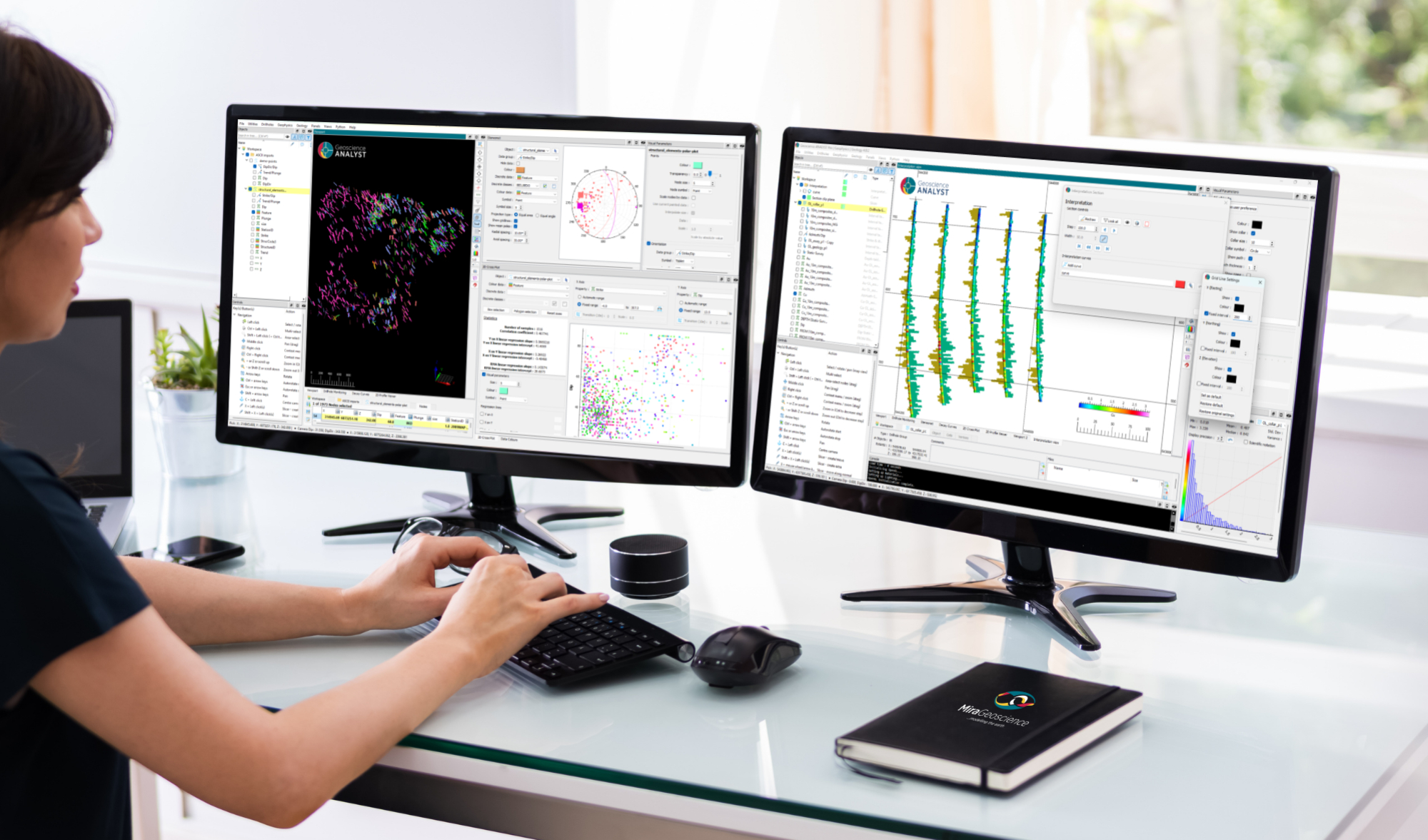
New release – Geoscience ANALYST 4.8
Geoscience ANALYST 4.8 delivers exciting new enhancements across all product options. Upgrade today!

Let the data speak!
Four years ago, along with DMT Group, we started working with JSC Apatit on their Kirovski and Rasvumchorr mines that...

Attending AME Roundup 2026?
Visit us at booth 416 to see our software solutions in action and discuss your needs with our expert team!

New release – Geoscience INTEGRATOR 4.1
Geoscience INTEGRATOR 4.1 unveils a range of new features and improvements designed to boost performance and enhance user experience.

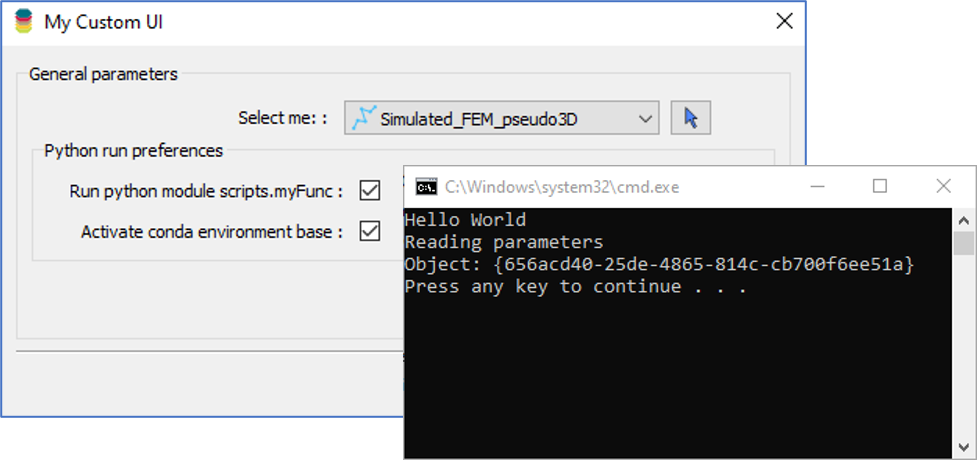
Using Python in Geoscience ANALYST Pro – Virtual Lecture
Past event, link available here...

Editing file settings
In Geoscience INTEGRATOR version 3.4, users will be able to edit their files’ settings...