



When you select a property, its colormap should appear in the Secondary Style toolbar. You can also access it by opening that property’s Style Editor.
Using the pencil, draw on the colormap to edit the property’s transparency. 

You can also use the following tips:
- Hold down the ALT key to keep a constant transparency.

- To create a binary (0% or 100%) transparency, use the CTRL key.

- To reset the transparency settings to none, click the middle mouse button.


Previous tips can be found under the Software tip category in the News section and in the Archives section of our website.
Latest news

Easily display a property on multiple objects
In GOCAD Mining Suite objects are grouped by the properties they contain...

Introducing HiveMap
Capture geological observations quickly, safely, and accurately, both in the field and office with HiveMap...

UDMN Award of Excellence
Geoscience INTEGRATOR wins - Last December, UDMN presented us with an Outstanding Achievement in Commercialization...

Sneak peek v19
Emerson-Paradigm released a short video to help users become acquainted with the redesigned interface. Watch this short video ...

Georeference images
In Geoscience ANALYST Pro you can georeference your geology maps and cross sections with...

Importing objects from project
In GOCAD Mining Suite you can easily import objects from one GOCAD project to another by...
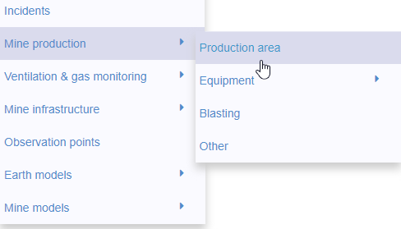
New mine production theme
In Geoscience INTEGRATOR, version 3.2 has a new theme called Production area. It’s designed for stope, mining room, or drawpoint data...
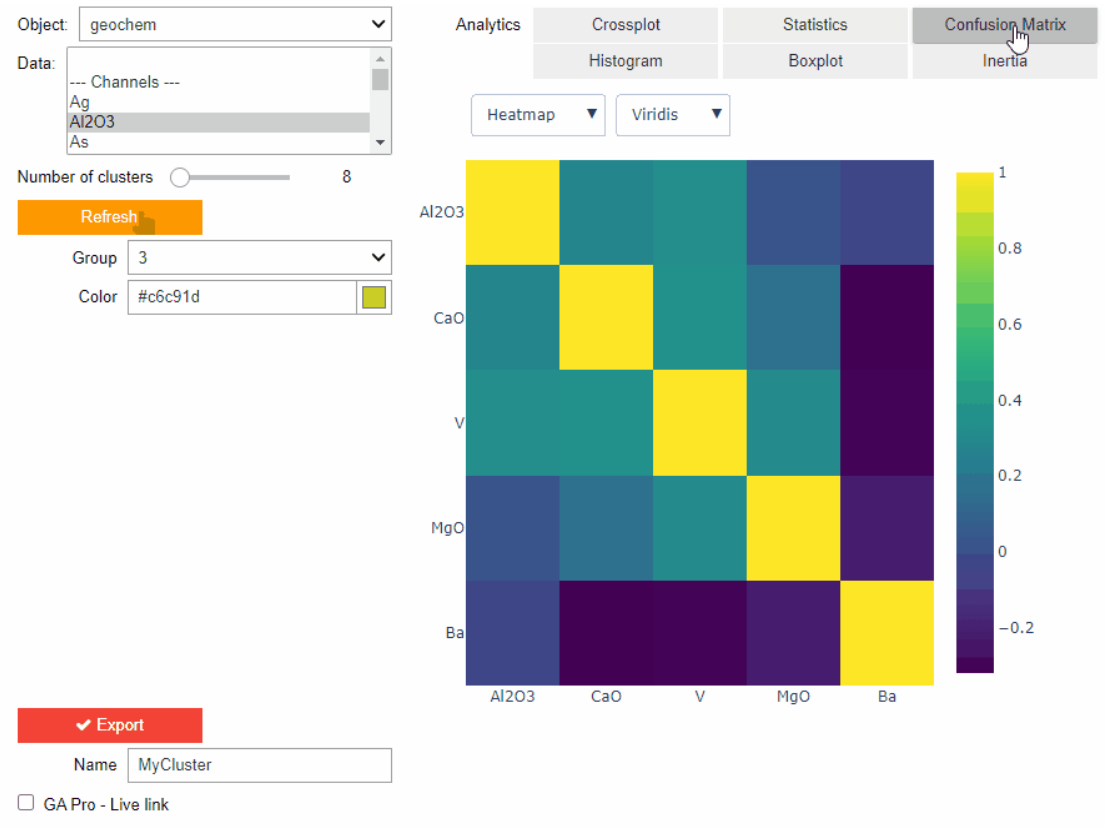
Clustering data stored on geoh5 objects
Past event. View here or on our YouTube channel...

Roles and permissions
In Geoscience INTEGRATOR, system administrators give users different levels of permission by role-based access...

Documents linked to a project
When documents are linked to a project in Geoscience INTEGRATOR, it is possible to be more specific and link them to the project’s data sets...


Managing import templates
In Geoscience INTEGRATOR it is possible to edit Import template names and no-data values, activate/deactivate templates, see...