



Quickly take snapshots of your Voxet sections using the snapshot tool. You can display images that show different properties of the same Voxet side-by-side to easily compare and review the model.
To access this tool, right-click on the Voxet > Tools > Snapshot Sections. You can view the images by opening the Images browser (Control menu  > Reporting > Images).


The images are also exported to the project’s prj folder.
Previous tips can be found under the Software tip category in the News section and in the Archives section of our website.
Latest news

Monitoring folders
Geoscience INTEGRATOR's monitoring folders can be used to automatically import files to a project to save time and streamline regular updates.

Using magnetic susceptibility measurements to define mineral exploration targets
Combining magnetic survey data with measured drillcore susceptibility data greatly increases the resolution and geometrical accuracy of the magnetic inversion...
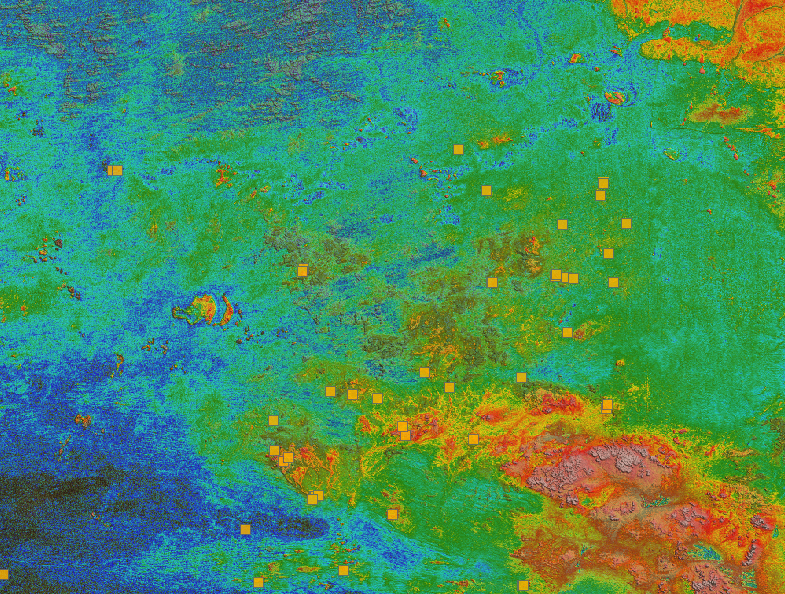
Building a greenfields project from public data in Geoscience ANALYST Pro – Virtual Lecture
See recording - Gem shows how Geoscience ANALYTS is a great tool to do exploration without getting your boots dirty...

Importing and visualizing VP Geophysics models
In Geoscience ANALYST v3.1, VP Model objects can now be imported by a simple drag and drop! You can then visualize the model and,...

Behind the Scenes: A Technical Deep Dive – Chasing Innovation From the Ground Up
Explore behind the scenes our case study with Canadian Royalties on this technical deep dive, featuring Stanislawa Hickley.

Scripting – Geoscience ANALYST Pro – Virtual Lecture
Past event. Have a look at the video to learn about mathematical and logical scripting in Geoscience ANALYST Pro...

Arbitrary sections
In Geoscience ANALYST visualize your block model in any direction with the new arbitrary section
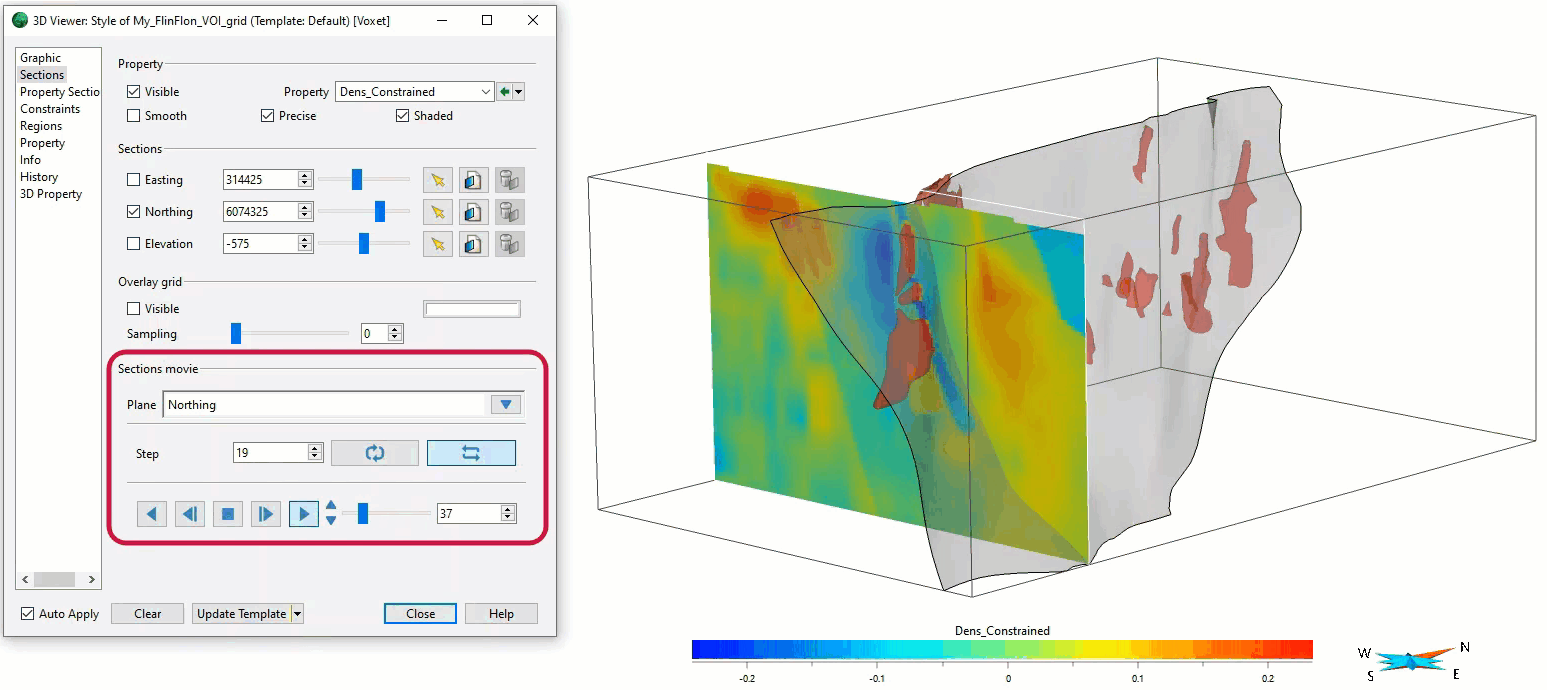
Sections movies
In GOCAD Mining Suite, you can create a section animation by specifying which section plane you want to visualize...

Custom discrete colour scales
Geoscience INTEGRATOR allows you to build and display custom colour scales when making a scatter plot or...

Quick selection search tool
In Geoscience INTEGRATOR we added a search box to help you find objects lists such as drillholes, samples, or stations that often have thousands of items...
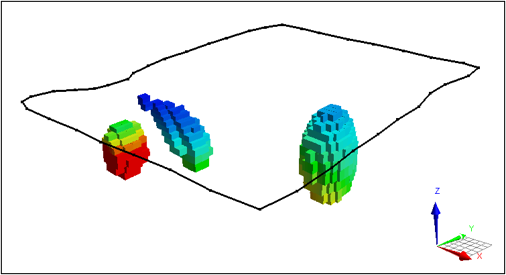
VPem3D in Geoscience ANALYST Pro Geophysics
Accelerating 3D TEM Interpretation with and without Geological Constraints. Read more >>

GOCAD Mining Suite – A geological modelling powerhouse
Past event, recording link available here...