



Having a hard time finding anything in your long list of objects? The Search for Objects  tool can really help you out!
It allows to search by:
- Name
- Object type
- Property
- Region
- Date last modified
It even allows wildcards and regular expression matching, find and replace, display of objects from the search results, and export lists of your searches.
In addition, when you select an object, any relevant object information, such as the number of nodes or XYZ bounding box, is reported.

Previous tips can be found under the Software tip category in the News section and in the Archives section of our website.
Latest news

Operations on multiple files
In Geoscience INTEGRATOR, you can carry out various operations on multiple files simultaneously...

Arbitrary sections
In Geoscience ANALYST visualize your block model in any direction with the new arbitrary section

Show and hide
In Geoscience ANALYST you can show and hide everything, individual objects, container groups or drillhole groups...

Create regions – Crossplot 2D
In GOCAD Mining Suite you can filter data dynamically before creating regions and save the filters as templates for later use...

Using Python with Geoscience ANALYST
A new Geoscience ANALYST Python API, providing the capability of connecting to open source software, is scheduled for release....
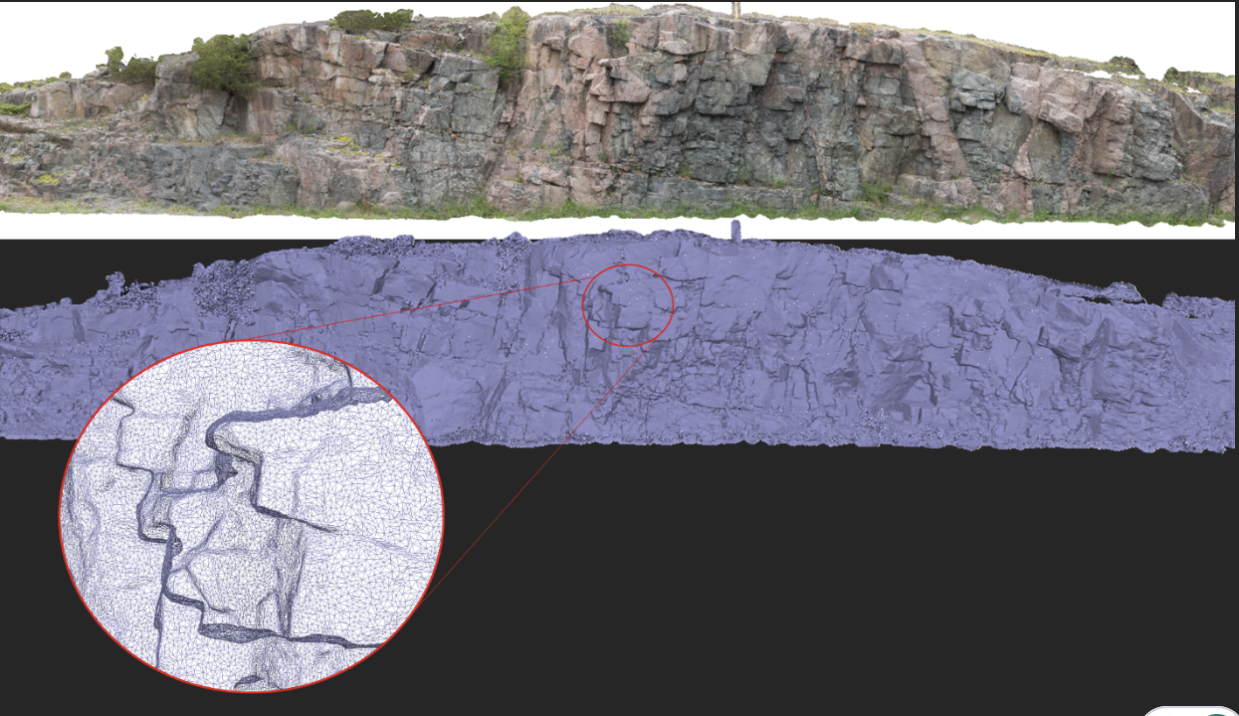
Creating Mappable Surfaces
Capture geological observations quickly, safely, and accurately, both in the field and office with HiveMap...

BHP Bowen Basin, Australia
Surface electromagnetic and electrical methods were trialled at a mine in the Bowen Basin, Queensland, with the objective of mapping the extent of coked coal...

Coordinate system transformations
In Geoscience ANALYST Pro version 4.0, you can apply coordinate system transformations to...
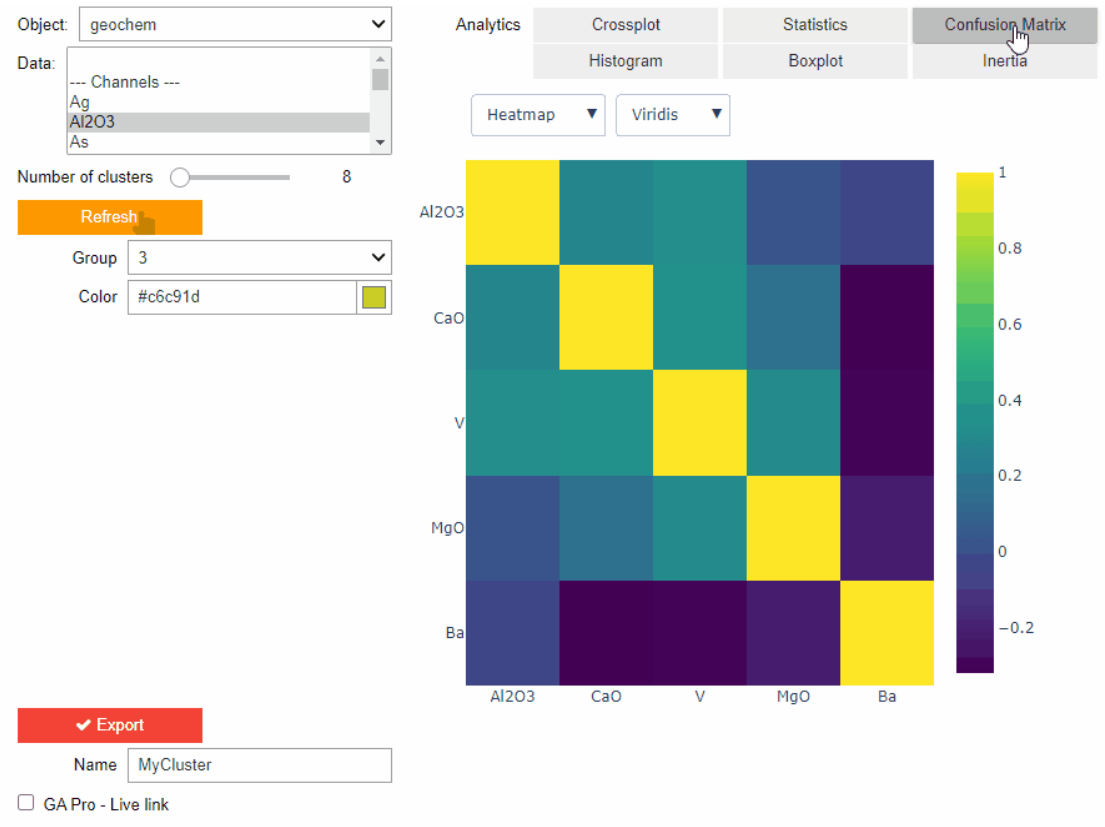
Clustering data stored on geoh5 objects
Past event. View here or on our YouTube channel...

New release – Geoscience INTEGRATOR 4.1
Geoscience INTEGRATOR 4.1 unveils a range of new features and improvements designed to boost performance and enhance user experience.

Searching in the objects tree
Having trouble finding one object out of hundreds in Geoscience ANALYST? Try searching your Objects panel (Ctrl+F)...

Importing and preparing DC/IP data for inversion with Geoscience ANALYST – Virtual Lecture
In 20 mins, Kristofer shows v3.4 new functionality for pre-processing and visualization of DC/IP 2D and 3D data - Geoscience ANALYST...