



In the property’s Style Editor, you can reverse and complement your colormap or change the number of colors. You can also try changing the property’s transparency, high and low clip values, and scale type.

Previous tips can be found under the Software tip category in the News section and in the Archives section of our website.
Latest news

Women Geoscientists in Canada
We are proud sponsors of WGC, advocates for increased gender balance within geosciences...

Importing and visualizing VP Geophysics models
In Geoscience ANALYST v3.1, VP Model objects can now be imported by a simple drag and drop! You can then visualize the model and,...

UDMN Award of Excellence
Geoscience INTEGRATOR wins - Last December, UDMN presented us with an Outstanding Achievement in Commercialization...

Attending AME Roundup 2026?
Visit us at booth 416 to see our software solutions in action and discuss your needs with our expert team!

Advanced drillhole planning and monitoring
We partnered with Groupe MISA to develop a low-cost 3D application where all elements of drillhole design and monitoring...
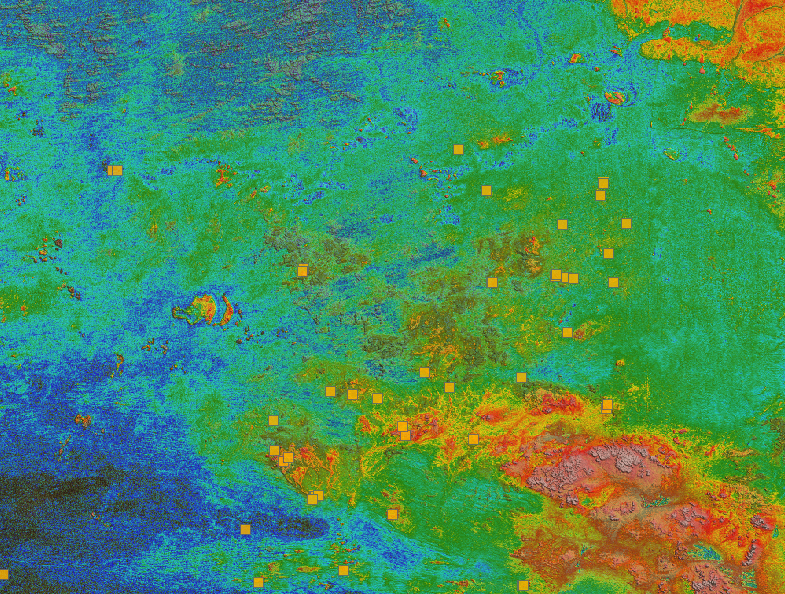
Building a greenfields project from public data in Geoscience ANALYST Pro – Virtual Lecture
See recording - Gem shows how Geoscience ANALYTS is a great tool to do exploration without getting your boots dirty...

Have you Scene this?
In GOCAD Mining Suite v19, you can save the view as a Scene by right-clicking on the 3D Viewer > (Scene) Save As…

Snapshot grid sections
In GOCAD Mining Suite quickly take snapshots of your Voxet sections using the snapshot tool...

HiveMap Digital Mapping Software
Safety is always the number one priority on every job and work site. Whether in underground, open pit, or civil engineering settings, our most important job is to make sure…

Improved scatter plots
In Geoscience INTEGRATOR, you can can increase/decrease the node size, take snapshots, zoom in on an area of interest...

DC resistivity inversion in Geoscience ANALYST Pro Geophysics
Past event, view here or via our YouTube channel...

Linking cursors
In Geoscience ANALYST you can use the Link Cursors button to helps to track the location of your cursor across multiple Viewports...