



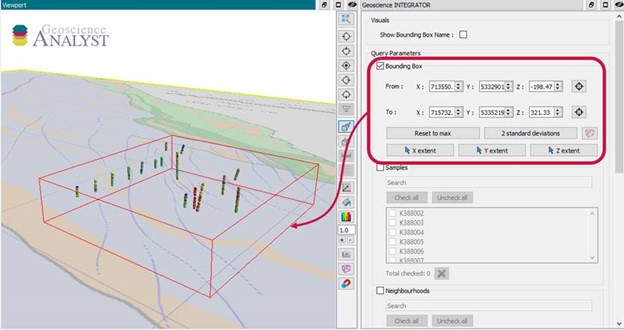
With Geoscience INTEGRATOR v3.6, drillhole sample locations are automatically computed as XYZ by the system from the deviation surveys, making spatial searches more versatile and accurate.
For example, when querying samples by spatial extent through the 3D viewer, it will quickly show you all the drillhole samples located within that bounding box.
Previous tips can be found under the Software tip category in the News section and in the Archives section of our website.
Latest news

New raster imports
In Geoscience ANALYST you can now import GeoTIFF (tif, tiff), ERMapper (ers), and Surfer (grd)...
..

Effective date field
Geoscience INTEGRATOR v3.7 offers the Effective date upload field for files and maps...

3D drillhole design and monitoring in Geoscience ANALYST Pro v4.0 – Virtual Lecture
Jennifer shows the new and updated drillhole design and monitoring tools in Geoscience ANALYST 4.0...

Uploading multiple files
In Geoscience INTEGRATOR, you can upload multiple files in one simple step...
Copying drillholes in a grid pattern
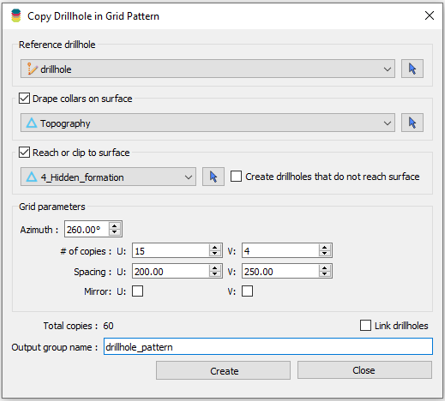
In Geoscience ANALYST you can copy an existing drillhole’s collar and deviation in a grid pattern to map a mineralized horizon...
Digital Mapping, The Future!
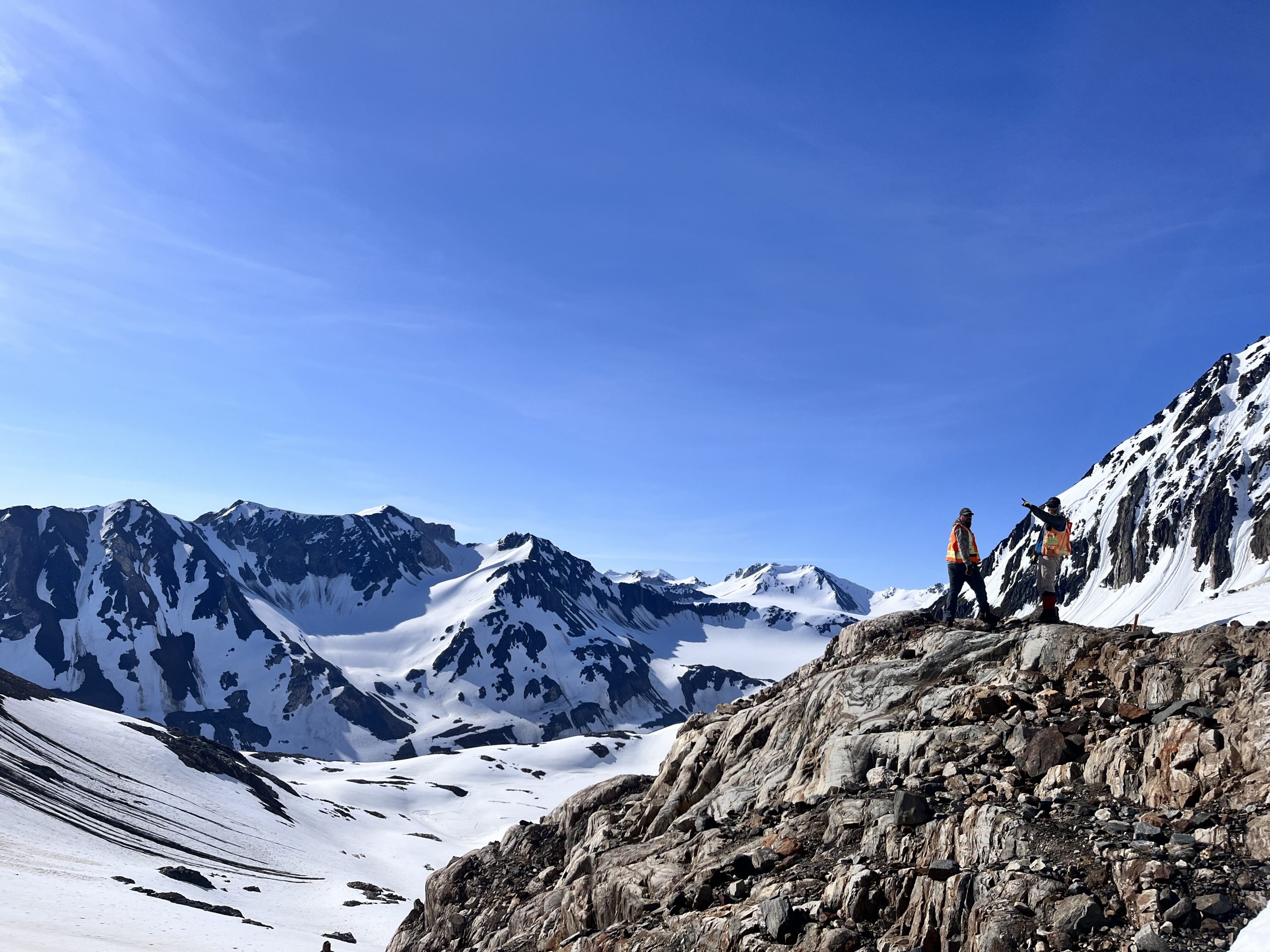
Capture geological observations quickly, safely, and accurately, both in the field and office with HiveMap...

Bounding boxes in the viewer
Coloured bounding boxes are used to highlight volumes in the Viewport: A purple box surrounds your current selection...

New release – Geoscience ANALYST 4.6
Geoscience ANALYST 4.6 brings performance improvements and key new features to all modules. Download it now!

How to run gravity inversions in a geologically driven way
Past event, view here or on our YouTube Channel to see how to run a 3D inversion and forward modelling in Geoscience ANALYST Pro using VPmg...

Coordinate display area
In Geoscience ANALYST you can get real-time feedback on the XYZ coordinates corresponding to the...
..

Dynamically turn on/off classes in scatter plots
In Geoscience INTEGRATOR, you can turn on/off classes in scatter plots...

Object’s Info
In GOCAD Mining Suite you can see how many nodes or triangles your Surface object consists of by right-clicking on...