



Geoscience INTEGRATOR v3.5 and Geoscience ANALYST v3.2 include new themes and renamed ones to help you to locate data in a more intuitive way.
- New themes available:
- Targets
- Anomalies
- Geophysics – Inversions
- Topography
- Culture
- Claims, boundaries.
- Several themes have been renamed:
- “Mine model – Underground” is now “Fusion models”
- “Mine infrastructure – Surfaces” is now “Mine infrastructure”
- “Drillholes” is now “Drillholes and wells”
- “Remote sensing” is now “Remote sensing & air photos”
- “Geotechnical monitoring” is now “Geotechnical”.

Previous tips can be found under the Software tip category in the News section and in the Archives section of our website.
Latest news
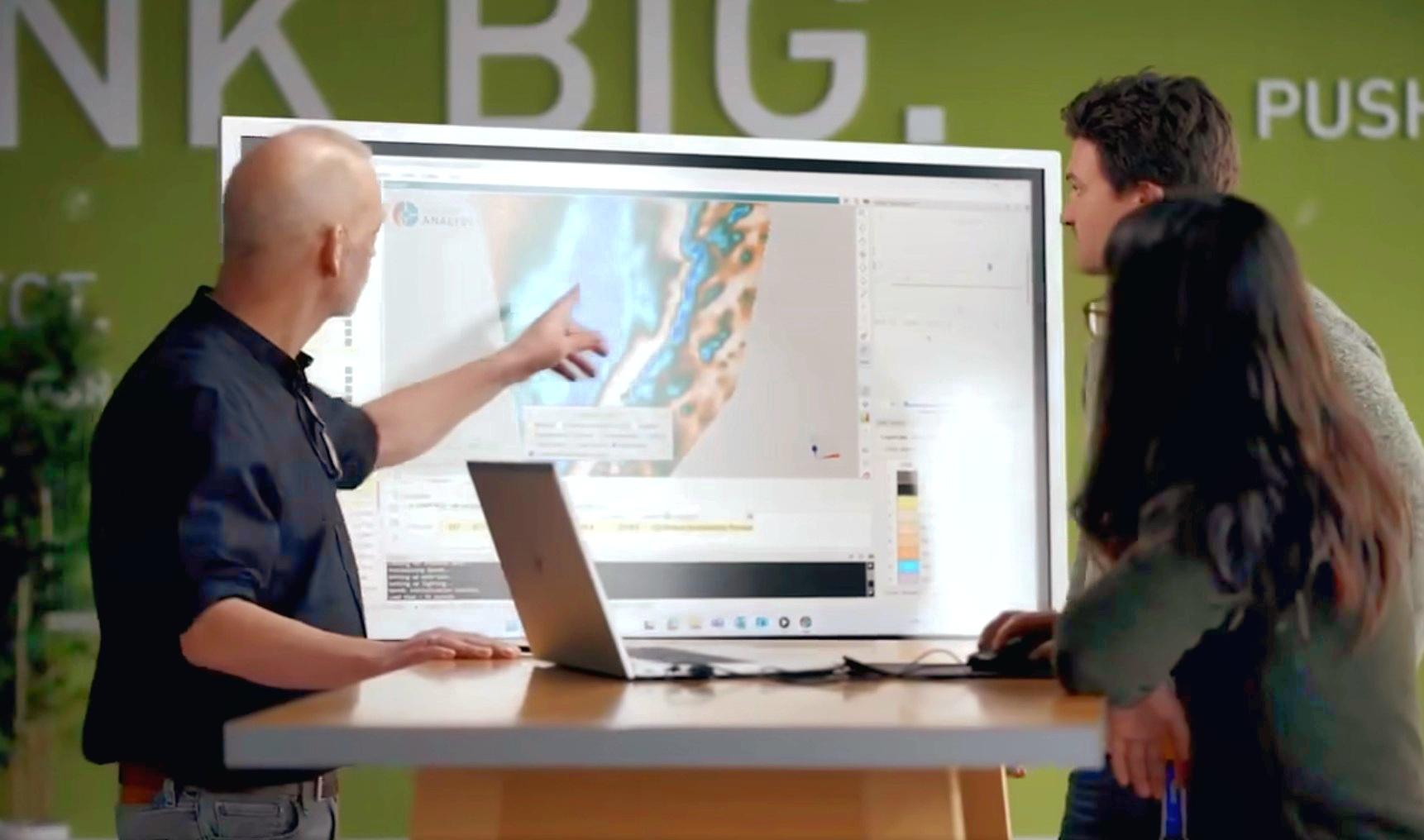
Revolutionizing Subsurface Interpretation and 3D Visualization with Geoscience ANALYST Pro
Discover how EnBW is bridging the gap between 2D mapping, 3D seismic interpretation, and integrated geophysical workflows

Behind the Scenes: A Technical Deep Dive – Chasing Innovation From the Ground Up
Explore behind the scenes our case study with Canadian Royalties on this technical deep dive, featuring Stanislawa Hickley.

Attending PDAC 2026?
Visit us at booth 814 to see our software solutions in action and discuss your needs with our expert team!

Default data colour settings
In Geoscience ANALYST you can set a default colour table and colour mapping transformation function. This way, when you import or create new data, it will be coloured by default.

HiveMap Digital Mapping Software
Safety is always the number one priority on every job and work site. Whether in underground, open pit, or civil engineering settings, our most important job is to make sure…

Create regions – Crossplot 2D
In GOCAD Mining Suite you can filter data dynamically before creating regions and save the filters as templates for later use...

Getting started with the Python geoh5py
Past event, view here or via our YouTube channel...

Pointer Tracking
In GOCAD Mining Suite you can take advantage of the Pointer Tracking view to track coordinates, objects, and properties.

Coordinate system transformations
In Geoscience ANALYST Pro version 4.0, you can apply coordinate system transformations to...

Roles and permissions
In Geoscience INTEGRATOR, system administrators give users different levels of permission by role-based access...

Including water bodies in gravity and magnetic inversion modelling – Geoscience ANALYST Pro Geophysics
Thomas Campagne demonstrated how to explicitly include bathymetry in inversion modelling of near-shore gravity data...

Advanced drillhole planning and monitoring
We partnered with Groupe MISA to develop a low-cost 3D application where all elements of drillhole design and monitoring...