



You can simplify logging codes for modelling projects and data management using the Rock reclassification editor. This tool easily maps selected classes from a Source to a Destination classification.

You can access this tool from Resources > Rock Classification in the Display Elements panel and in the Property menu for most objects, including PointsSets, Curves, Surfaces, Voxets, and Wells.
Previous tips can be found under the Software tip category in the News section and in the Archives section of our website.
Latest news

Viewing data from report items
In Geoscience INTEGRATOR table and chart items from ad-hoc or scheduled reports can be easily refreshed, using the same filters that were applied in the original report, to display current data.

GEOH5: A Framework for Geoscience Data and Model Portability
Used by thousands, GEOH5 is the open-source data structure that is taking down the interoperability barriers and revolutionizing...

Day interval filters
In Geoscience INTEGRATOR the Day interval filter can be used to search your time-based data for “the last X days”, or...
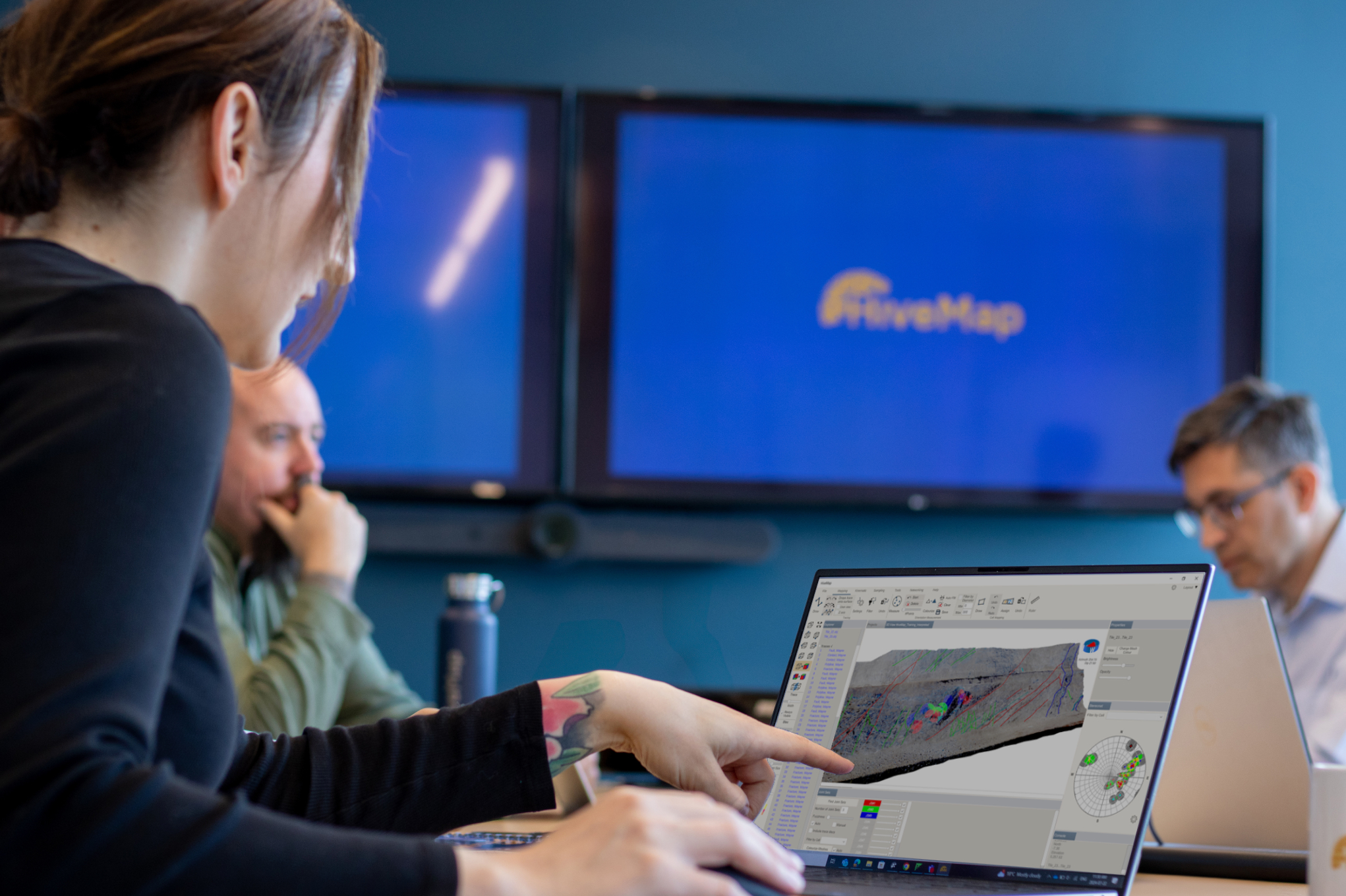
Introducing HiveMap
Capture geological observations quickly, safely, and accurately, both in the field and office with HiveMap...

Manual classifications vs Project classifications
In Geoscience INTEGRATOR, There are two ways to create classifications when importing data...
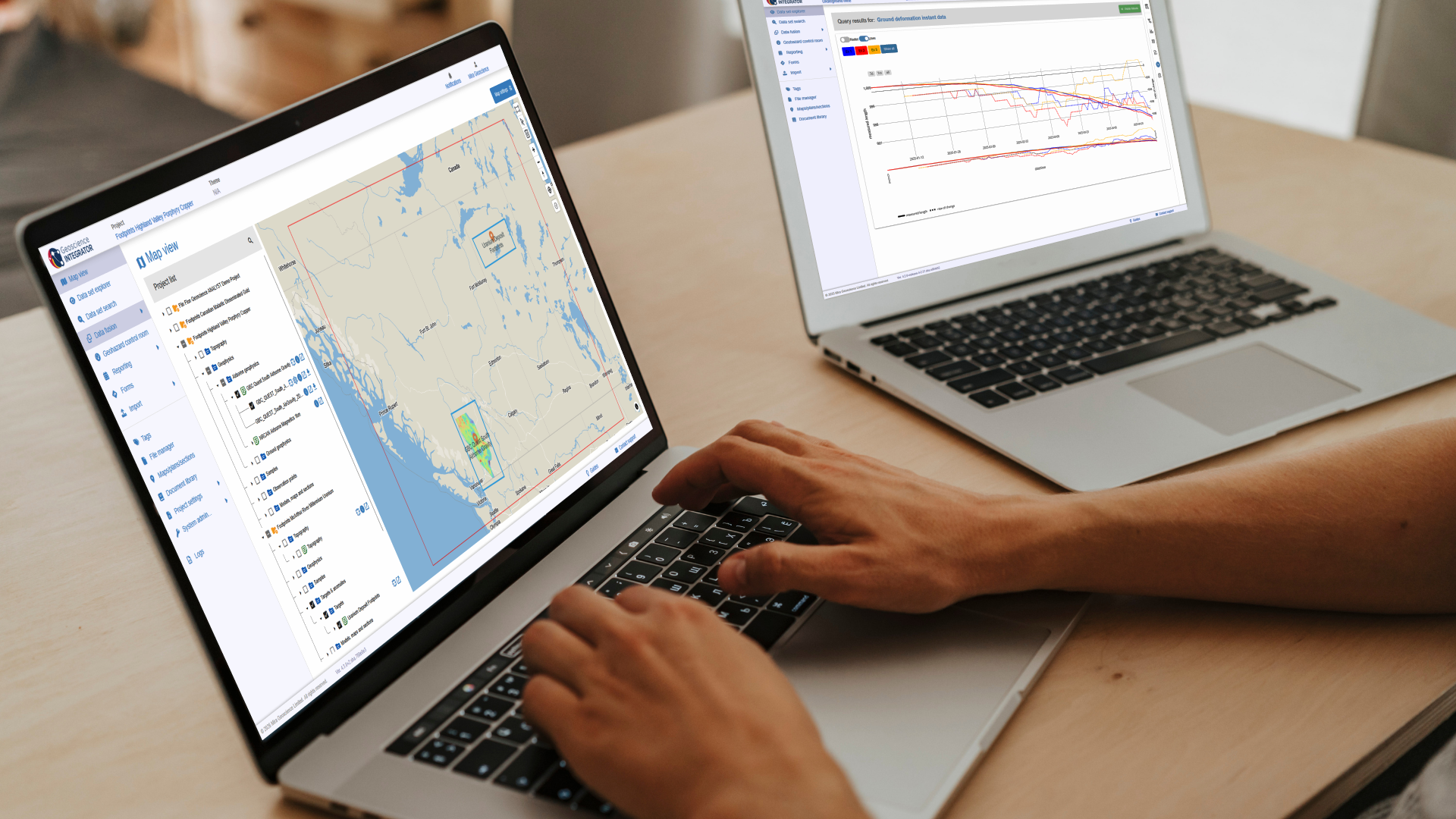
New release – Geoscience INTEGRATOR 4.3
Geoscience INTEGRATOR 4.3 introduces exciting new features to help you manage your data more efficiently and streamline your workflow

Managing import templates
In Geoscience INTEGRATOR it is possible to edit Import template names and no-data values, activate/deactivate templates, see...

Object’s Info
In GOCAD Mining Suite you can see how many nodes or triangles your Surface object consists of by right-clicking on...

3D seismic data
In Geoscience ANALYST you can import and visualize 3D seismic data, and plan your next seismic survey with the seismic reflection survey designer....

Automatic rotation
In Geoscience ANALYST you can autorotate viewport when presenting your 3D geoscientific data and models...

Operations on multiple files
In Geoscience INTEGRATOR, you can carry out various operations on multiple files simultaneously...

Inverting time domain data in Geoscience ANALYST version 4.0 – Virtual Lecture
Kristofer inverts TEM data in 1D through Geoscience ANALYST Pro Geophysics to recover conductivity in Geoscience ANALYST 4.0...