



Version 3.7 comes with the ability to filter data records that have, or don’t have, any files, maps, plans, or sections associated to them.

Associating files to data records is convenient. For example, you could associate core photos to the corresponding samples or an incident report to its corresponding hazard incident.
Previous tips can be found under the Software tip category in the Resources section and in the Archives section of our website.
Latest news
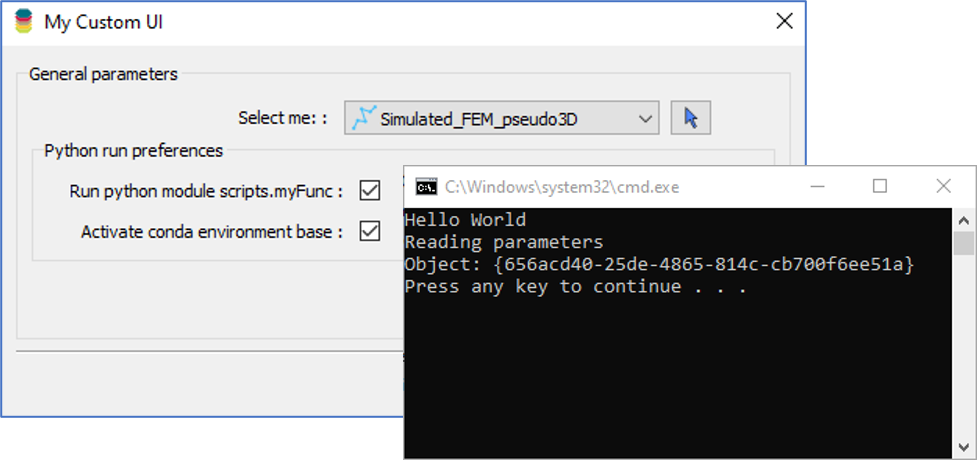
Using Python in Geoscience ANALYST Pro – Virtual Lecture
Past event, link available here...

Data set summaries
In Geoscience INTEGRATOR The Data set explorer provides simple, immediate ‘dashboard’ access to all the data sets, and their summary information...

Inverting time domain data in Geoscience ANALYST version 4.0 – Virtual Lecture
Kristofer inverts TEM data in 1D through Geoscience ANALYST Pro Geophysics to recover conductivity in Geoscience ANALYST 4.0...

Quick selection search tool
In Geoscience INTEGRATOR we added a search box to help you find objects lists such as drillholes, samples, or stations that often have thousands of items...

Customized list of file types to help filtering your files
In Geoscience INTEGRATOR, on top of using Tags and Data set linking, you can give them a File type from a customizable list...

Georeference images
In Geoscience ANALYST Pro you can georeference your geology maps and cross sections with...

Data fusion – Automatic sample compilation
In Geoscience INTEGRATOR, the Sample compilation page offers powerful tools to support the analysis of complex or difficult-to-view relationships within your sample data...

Geological 3D-GIS query
In GOCAD Mining Suite, you can create points at specific geological contacts for the construction of your geological contact surface...

New filter options on the File manager and the Maps/plans/sections
In Geoscience INTEGRATOR, you can now find files quickly by using the new extension, tags and uploaded by filters...
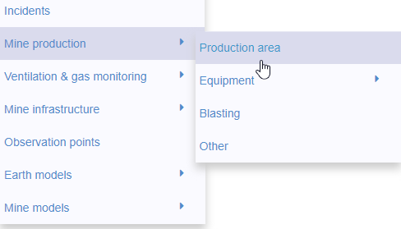
New mine production theme
In Geoscience INTEGRATOR, version 3.2 has a new theme called Production area. It’s designed for stope, mining room, or drawpoint data...

Object’s Info
In GOCAD Mining Suite you can see how many nodes or triangles your Surface object consists of by right-clicking on...

Mira Geoscience receives the 2023 AME Innovation Award
John McGaughey, Mira Geoscience's President, has been selected for the 2023 AME Innovation Award for leading the development of GEOH5.