



Import drillholes straight from your ODBC database with the latest version of Geoscience ANALYST 4.0.
After connecting to your database via a configuration ini file, filters are available to help you import the drillholes you want. These include:
- Importing only drillholes whose collars are inside/ outside an area of interest. For example, if you only want to import drillholes within property bounds.
- Importing only drillholes that match user specified filters and regular expressions. For example, if you only want to import drillholes that are 500m or longer.

Check out this tutorial on how to use the ODBC importer.
Previous Geoscience ANALYST tips can be found under the Software tip category in our Resources page and in our Archives page.
Latest news
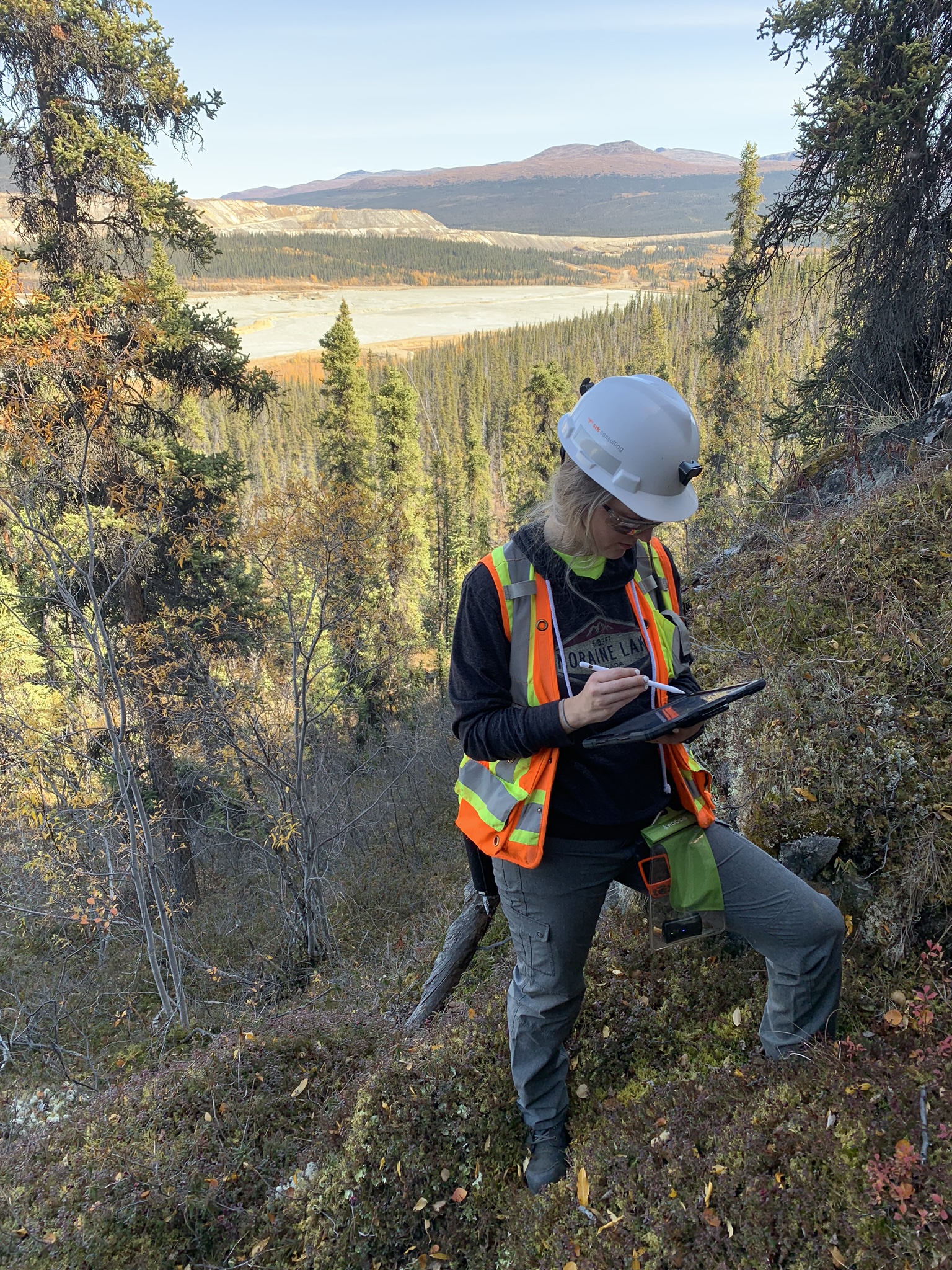
Why Is Mapping Important?
Capture geological observations quickly, safely, and accurately, both in the field and office with HiveMap...

Default data colour settings
In Geoscience ANALYST you can set a default colour table and colour mapping transformation function. This way, when you import or create new data, it will be coloured by default.

Project locks
In GOCAD Mining Suite, lock files manage the reading and writing of SKUA-GOCAD projects. They are automatically created...

Scripting
In Geoscience ANALYST Pro the Script on Object Property utility in Geoscience ANALYST Pro can be used in a wide variety of geoscientific applications...

Rock reclassification editor
In GOCAD Mining Suite, you can simplify logging codes for modelling projects and data management using the Rock reclassification editor...

What’s new in Geoscience ANALYST version 4.0 – Virtual Lecture
Watch as Carla shows the new and updated tools in Geoscience ANALYST 4.0...

Data set search tools
In Geoscience INTEGRATOR, you can search by data set name or description through the Data set search...

Clipping isovalues and sections
In Geoscience ANALYST you can clip isovalues and sections by volume using the free visualization tools to focus on areas of interest in any block model...

Sneak peek v19
Emerson-Paradigm released a short video to help users become acquainted with the redesigned interface. Watch this short video ...

Data set summaries
In Geoscience INTEGRATOR The Data set explorer provides simple, immediate ‘dashboard’ access to all the data sets, and their summary information...

Filtering data by neighbourhood
In the web UI, you can rapidly filter your data by neighbourhoods and display it in plots, charts, or tables.

Rapid and accurate mapping
We explain how automated generation of alteration maps using radiometric data is well-suited to large-footprint mineral systems...