



The Script on Object Property utility in Geoscience ANALYST Pro can be used in a wide variety of geoscientific applications.
You could, for example, compute alteration indices from geochemical assays, using standard operators, and combine these alteration indices to define a high alteration zone, using logical if/then statements. Scripting functions can be found in the help tool.

You could also normalize object data within a given range, invert for the anomalous density of a geology model, and more. Have a look at this how to video.
Geoscience ANALYST Pro offers low-cost tools for interpretation, targeting, and geophysical inversion. Activate your 10-day Free Trial now through the user interface.
Previous tips can be found under the Software tip category in our News page and in our Archives page.
Latest news

Importing and preparing DC/IP data for inversion with Geoscience ANALYST – Virtual Lecture
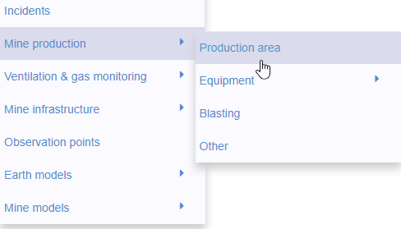
New mine production theme

R&D project with UDMN

New release – Geoscience ANALYST 4.6

Data set summaries

EM101: Tips and tricks for EM data in Geoscience ANALYST

Finding data sets by tags and neighbourhoods

Create regions – Crossplot 2D
