



Monitoring folders can be used to automatically import files to a project to save time and streamline regular updates.

Once a folder is set up, you can copy the FTP link by clicking on the  icon and pasting it in the desired location. Geoscience INTEGRATOR will automatically process and attempt to upload all files placed in that folder based on the selected template.

In the Monitoring folder, you can specify single or multiple email addresses in the event an error occurs during import.
Previous tips can be found under the Software tip category in the Resources section and in the Archives section of our website.
Latest news
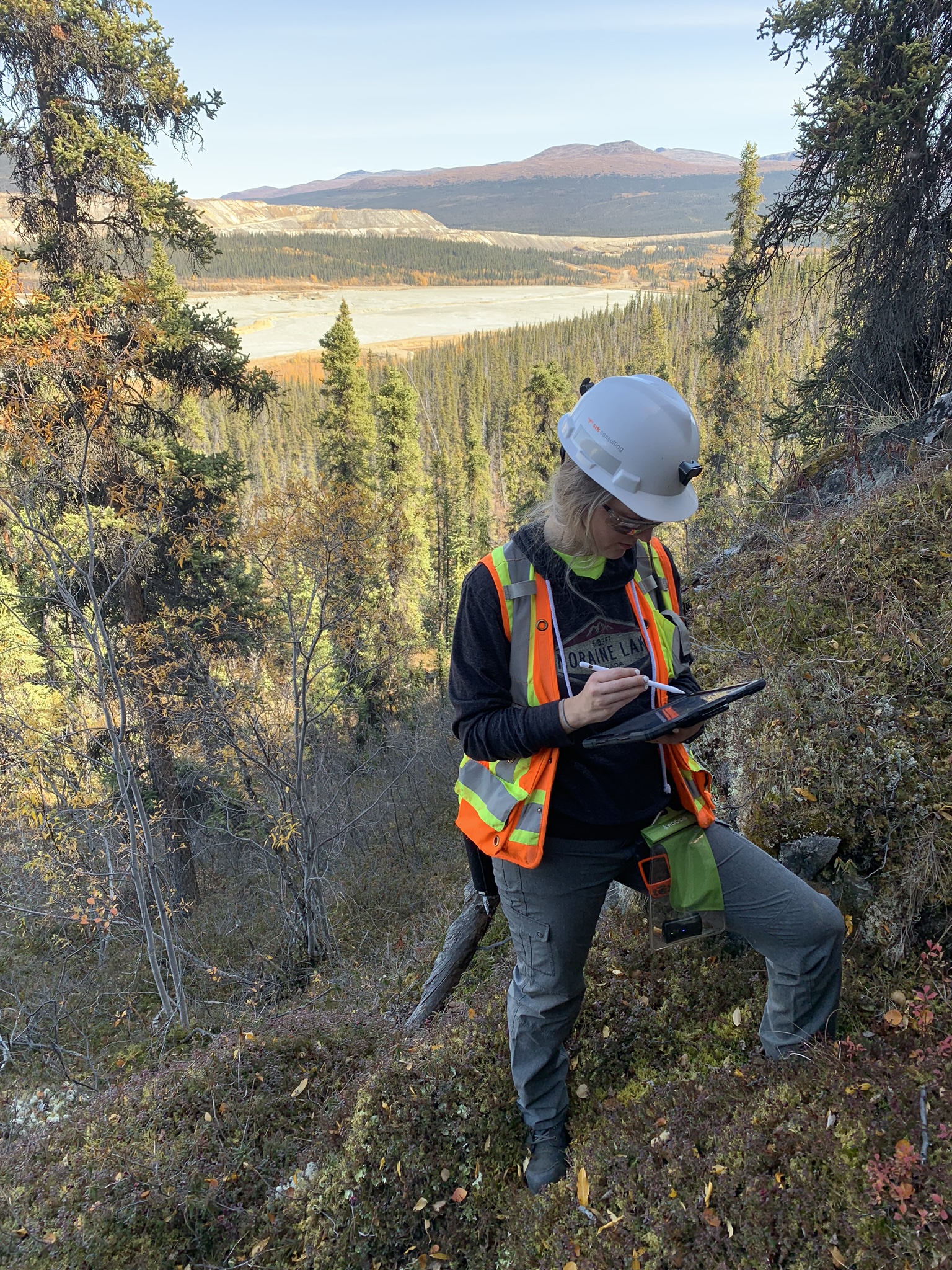
Why Is Mapping Important?
Capture geological observations quickly, safely, and accurately, both in the field and office with HiveMap...

New release – Geoscience ANALYST 4.5
Geoscience ANALYST 4.5 brings performance improvements and key new features to all modules. Download it now!

Geoscience ANALYST Pro Geophysics Consortium
Focused on delivering software and methods that make the use of advanced geophysics a day-to-day, practical reality for industry.

How to run gravity inversions in a geologically driven way
Past event, view here or on our YouTube Channel to see how to run a 3D inversion and forward modelling in Geoscience ANALYST Pro using VPmg...

New raster imports
In Geoscience ANALYST you can now import GeoTIFF (tif, tiff), ERMapper (ers), and Surfer (grd)...
..

A YouTube Channel about 3D modelling
We have quite a few how-to and tutorial videos lined up on YouTube highlighting our earth modelling, interpretation, and data management software for the construction of plausible geological models.

Themes
Geoscience INTEGRATOR v3.5 and Geoscience ANALYST v3.2 include new themes and renamed ones to help you to locate data in a more intuitive way.

Mira Geoscience receives the 2023 AME Innovation Award
John McGaughey, Mira Geoscience's President, has been selected for the 2023 AME Innovation Award for leading the development of GEOH5.

Extending workflows with rapid model generation – Virtual Lecture
Past event - Shaun O'Connor showed how to use the built-in scripting tools for exploratory geological modelling with sparse data...

Object’s history
In GOCAD Mining Suite, objects keep a history of all the commands you apply to them, this includes...

K-means clustering: compute inertia curve
In Geoscience ANALYST Pro the K-means clustering utility includes the ability to compute the data’s inertia curve...

Day interval filters
In Geoscience INTEGRATOR the Day interval filter can be used to search your time-based data for “the last X days”, or...