



You can now visualize contours on 2D grids. Select your data, specify the contour parameters, or change the colour.

By default, the anchor is set to the data’s minimum value and the number of contours to 20, from which an interval is calculated to best fit your data. Learn how to visualize contours with this video.
Create curves from these contours with Geoscience ANALYST Pro.
Previous tips can be found under the Software tip category in our Resources page and in our Archives page.
Latest news

Filtering samples by their drillhole
In Geoscience INTEGRATOR, you can can filter them according to the drillhole they are located in...

Including water bodies in gravity and magnetic inversion modelling – Geoscience ANALYST Pro Geophysics
Thomas Campagne demonstrated how to explicitly include bathymetry in inversion modelling of near-shore gravity data...

Québec Mining 2024
Explore the full interview that Scott Napier did for Québec Mining 2024

Using comment field entries in drillhole databases to automatically re-log lithologies
This approach uses the comment field of the logging table to extract general topics that can then be used as learning features in a supervised machine learning classification approach.

Roles and permissions
In Geoscience INTEGRATOR, system administrators give users different levels of permission by role-based access...
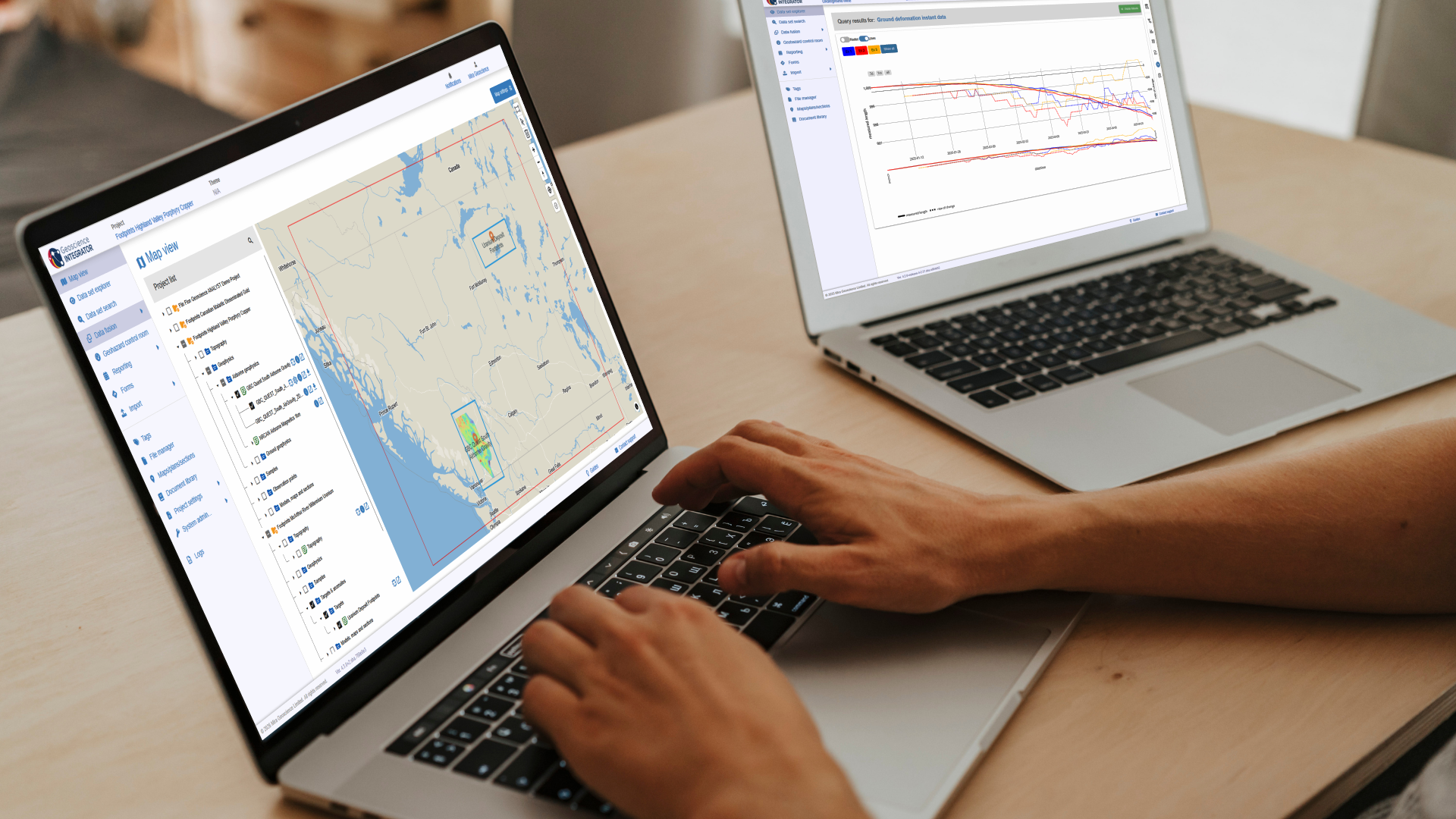
New release – Geoscience INTEGRATOR 4.3
Geoscience INTEGRATOR 4.3 introduces exciting new features to help you manage your data more efficiently and streamline your workflow

Filter records with, or without files associated to them
Geoscience INTEGRATOR offers the convenience of associating files to data records to...

Find and Replace
In GOCAD Mining Suite find and replace any objects you're looking for in no time...

Viewing data from report items
In Geoscience INTEGRATOR table and chart items from ad-hoc or scheduled reports can be easily refreshed, using the same filters that were applied in the original report, to display current data.

Geoscience ANALYST Pro Geophysics Consortium
Focused on delivering software and methods that make the use of advanced geophysics a day-to-day, practical reality for industry.

A YouTube Channel about 3D modelling
We have quite a few how-to and tutorial videos lined up on YouTube highlighting our earth modelling, interpretation, and data management software for the construction of plausible geological models.

Geological 3D-GIS query
In GOCAD Mining Suite, you can create points at specific geological contacts for the construction of your geological contact surface...