



Coffee break… and learn!
Like this video? Go to our YouTube Channel for more!
In this lecture, Carla Gonzalez showed new drillhole planning tools, upgrades in the 2D Profile Viewer, and creating surfaces from 3D inversions by allowing each model cell to know both its rock type and physical properties.
In 12 minutes she showed how to:
New drillhole planning tools
- 3D preview of targets to facilitate drillhole planning
- Classification of drillholes into planned, ongoing, and completed.
- Creation of drillhole grid patterns.
Upgrades in the 2D Profile Viewer
- Visualization of VP models in section view.
- Edit the model’s elevation range.
- Flip the survey’s line direction.
- Easily take a screenshot of the 2D Profile Viewer.
Create surface from VP model units
This episode, along with Free Viewer and data, is available on demand via our website and YouTube channel. More details about this series can be found on our Events page or join the mailing list.

Carla is our Trainer for SKUA-GOCAD and Geoscience ANALYST. In this role Carla will also be participating in testing, documentation, and support. She has previous experience with Apex Geoscience, Maple Gold Mines, and Pretium Resources where she was primarily involved with geological field work. She has a BSc in Earth and Planetary Sciences from McGill University. Carla is based in Montreal.
Latest events and news

Dynamically turn on/off classes in scatter plots

Using predictive modelling in mineral exploration
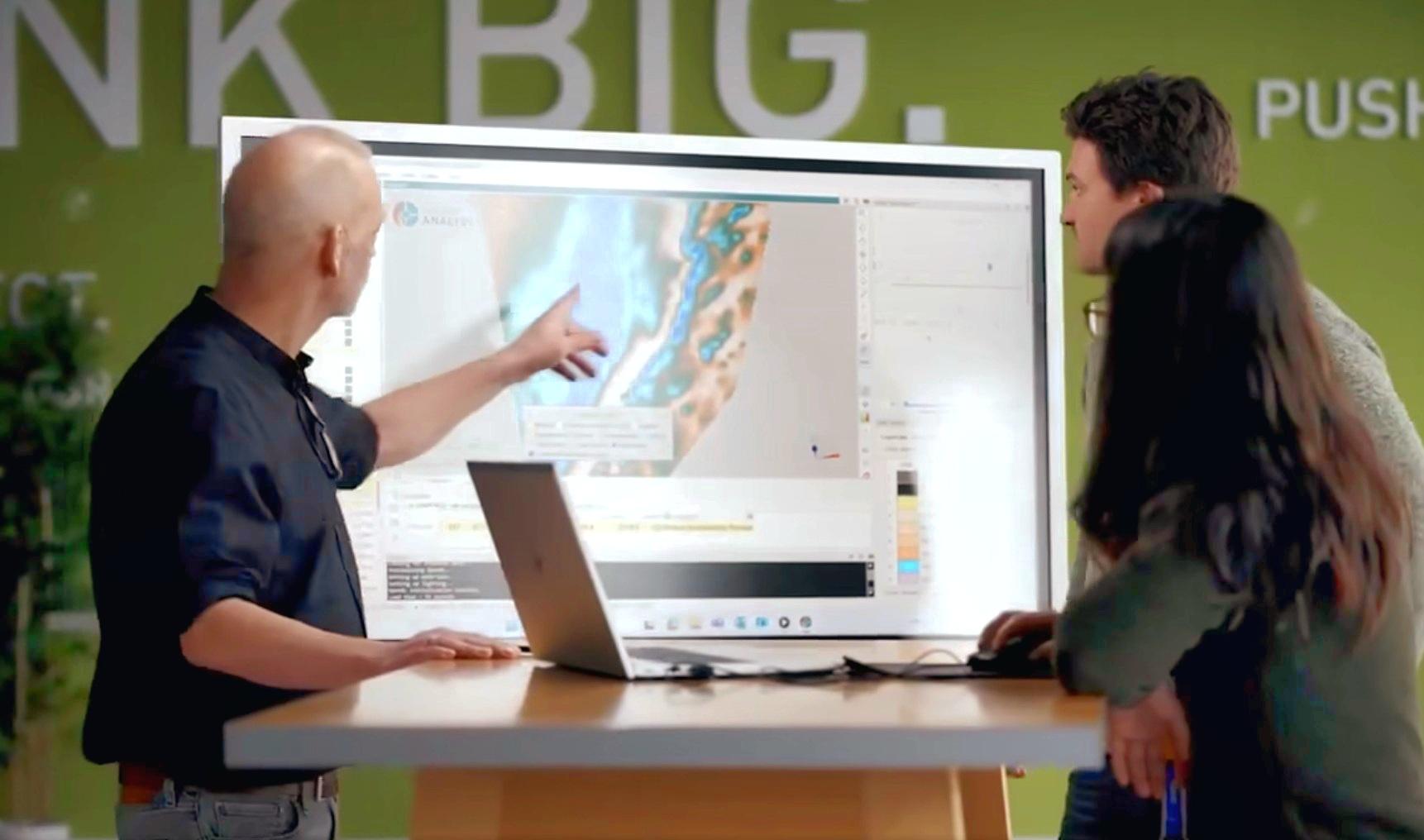
Revolutionizing Subsurface Interpretation and 3D Visualization with Geoscience ANALYST Pro

Using Python with Geoscience ANALYST

Project locks

Geological 3D-GIS query

EM101: Tips and tricks for EM data in Geoscience ANALYST

Create regions – Crossplot 2D
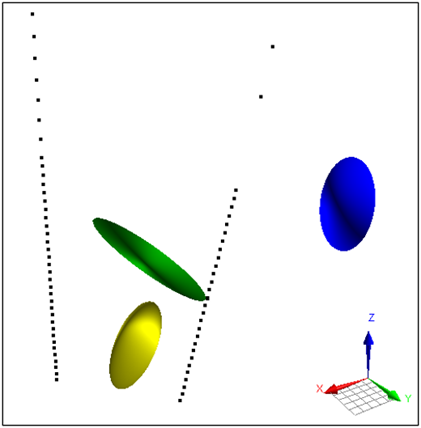
Parametric Ellipsoid Modelling in Geoscience ANALYST Pro Geophysics

Find and Replace

Quick selection search tool
