



In version 19, you can save the view as a Scene by right-clicking on the 3D Viewer > (Scene) Save As…

Scenes save the scale, point of view, and style of the 3D Viewer, the objects’ visibility status, and the style of objects. To edit these options when applying a scene, select Apply > More Apply Options.
Scenes can also be copy-pasted from one 3D Viewer to another.
Previous tips can be found under the Software tip category in the News section and in the Archives section of our website.
Latest news
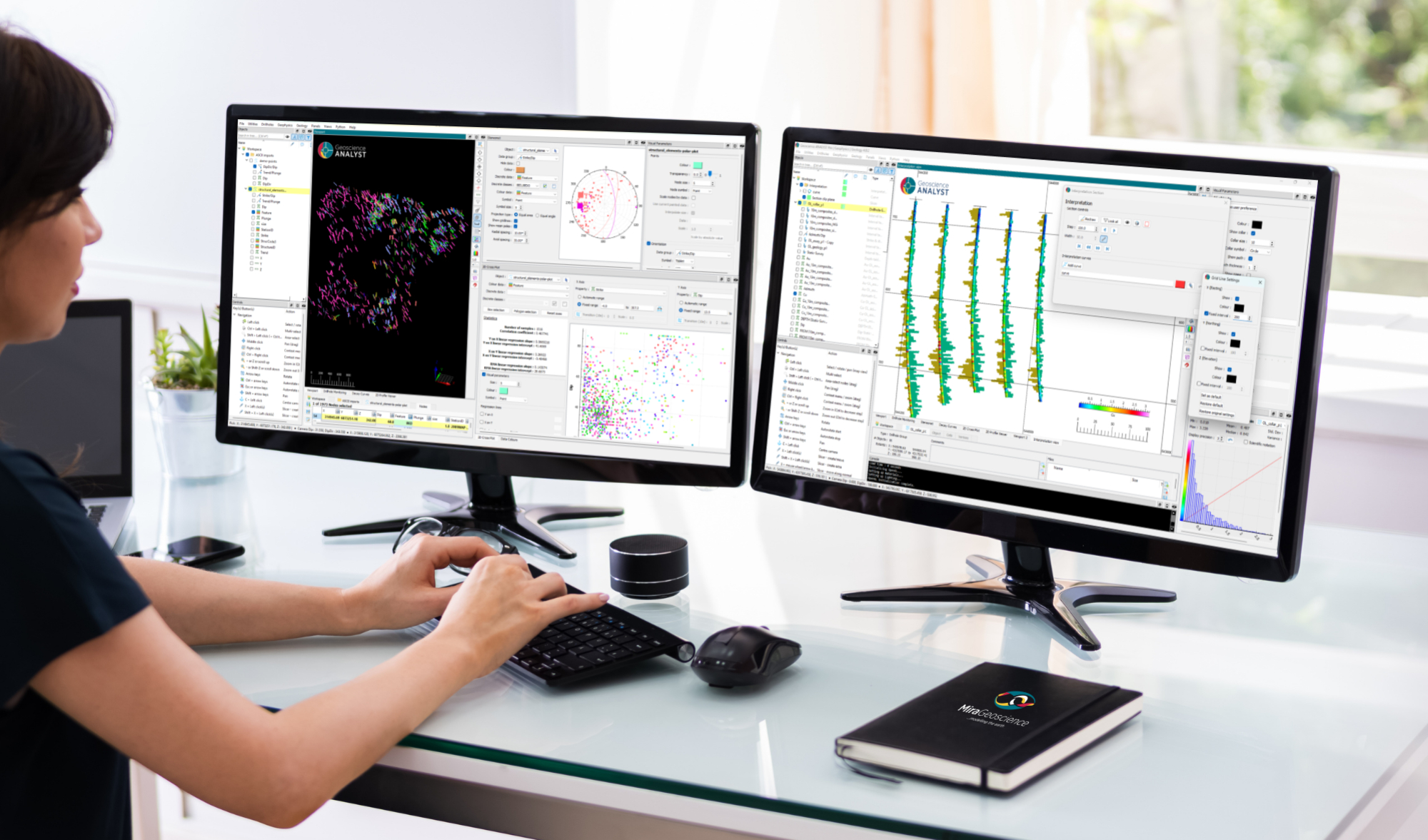
New release – Geoscience ANALYST 4.8
Geoscience ANALYST 4.8 delivers exciting new enhancements across all product options. Upgrade today!

Building a geological framework from exploratory modelling of magnetic data – Virtual Lecture
Join us on May 19, 2022 at 11am Pacific Time as Shaun O'Connor will demonstrate how to use the built-in scripting tools for exploratory geological modelling with sparse data...

Attending PDAC 2026?
Visit us at booth 814 to see our software solutions in action and discuss your needs with our expert team!

Québec Mining 2024
Explore the full interview that Scott Napier did for Québec Mining 2024

GEOH5 open format
We developed geoh5 based on free and open-source HDF5 technology because of its many advantages: wide acceptance across numerous data-intensive industries...

Geoscience ANALYST Pro Geophysics Consortium
Focused on delivering software and methods that make the use of advanced geophysics a day-to-day, practical reality for industry.

Filter records with, or without files associated to them
Geoscience INTEGRATOR offers the convenience of associating files to data records to...
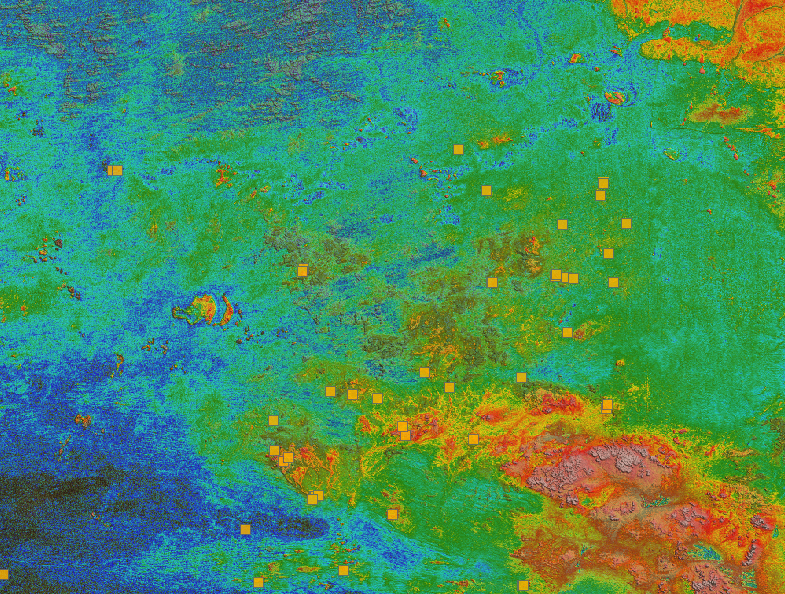
Building a greenfields project from public data in Geoscience ANALYST Pro – Virtual Lecture
See recording - Gem shows how Geoscience ANALYTS is a great tool to do exploration without getting your boots dirty...


Display multiple Voxet sections
In GOCAD Mining Suite, you can create additional sections, hide/show them, use the slider and arrow to position them along the Voxet, and delete them...

Managing import templates
In Geoscience INTEGRATOR it is possible to edit Import template names and no-data values, activate/deactivate templates, see...

Using comment field entries in drillhole databases to automatically re-log lithologies
This approach uses the comment field of the logging table to extract general topics that can then be used as learning features in a supervised machine learning classification approach.