



Take advantage of the Pointer Tracking view to track coordinates, objects, and properties.
Control Menu > Views > Pointer Tracking.
The panel at the bottom of the 3D Viewer will display the coordinates of your cursor. In addition, if you are hovering over an object, it will report the object’s name and the value of the property displayed at that location.

Previous tips can be found under the Software tip category in the News section and in the Archives section of our website.
Latest news
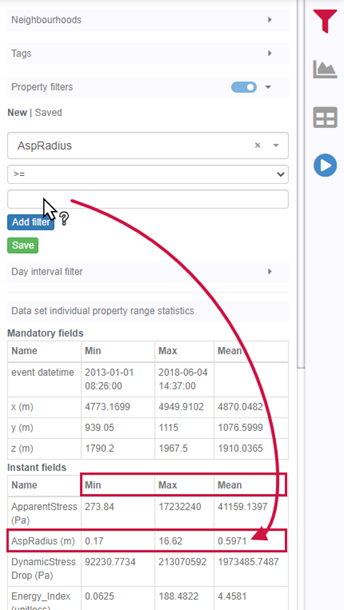
Property value range
In Geoscience INTEGRATOR, You can refer to the range of values in the query panel to apply numeric property filters...

HiveMap Digital Mapping Software
Safety is always the number one priority on every job and work site. Whether in underground, open pit, or civil engineering settings, our most important job is to make sure…

Arbitrary sections
In Geoscience ANALYST visualize your block model in any direction with the new arbitrary section

Crustal scale gravity modelling and isostatic correction over central Chile
View recording - Thomas demonstrates how to apply an isostatic correction to gravity data through a case study over central Chile using...

15 tips in 15 minutes – Geoscience ANALYST Free Viewer
Past event, view here or on our YouTube channel...

Block model volume
In Geoscience ANALYST you can visualize your block model data by volume in the Visual Parameters panel...
..

GEOH5: A Framework for Geoscience Data and Model Portability
Used by thousands, GEOH5 is the open-source data structure that is taking down the interoperability barriers and revolutionizing...

Clipping isovalues and sections
In Geoscience ANALYST you can clip isovalues and sections by volume using the free visualization tools to focus on areas of interest in any block model...

Mira Geoscience Partners with Tessael to Advance Geological Modelling in Geoscience ANALYST
Capture geological observations quickly, safely, and accurately, both in the field and office with HiveMap...
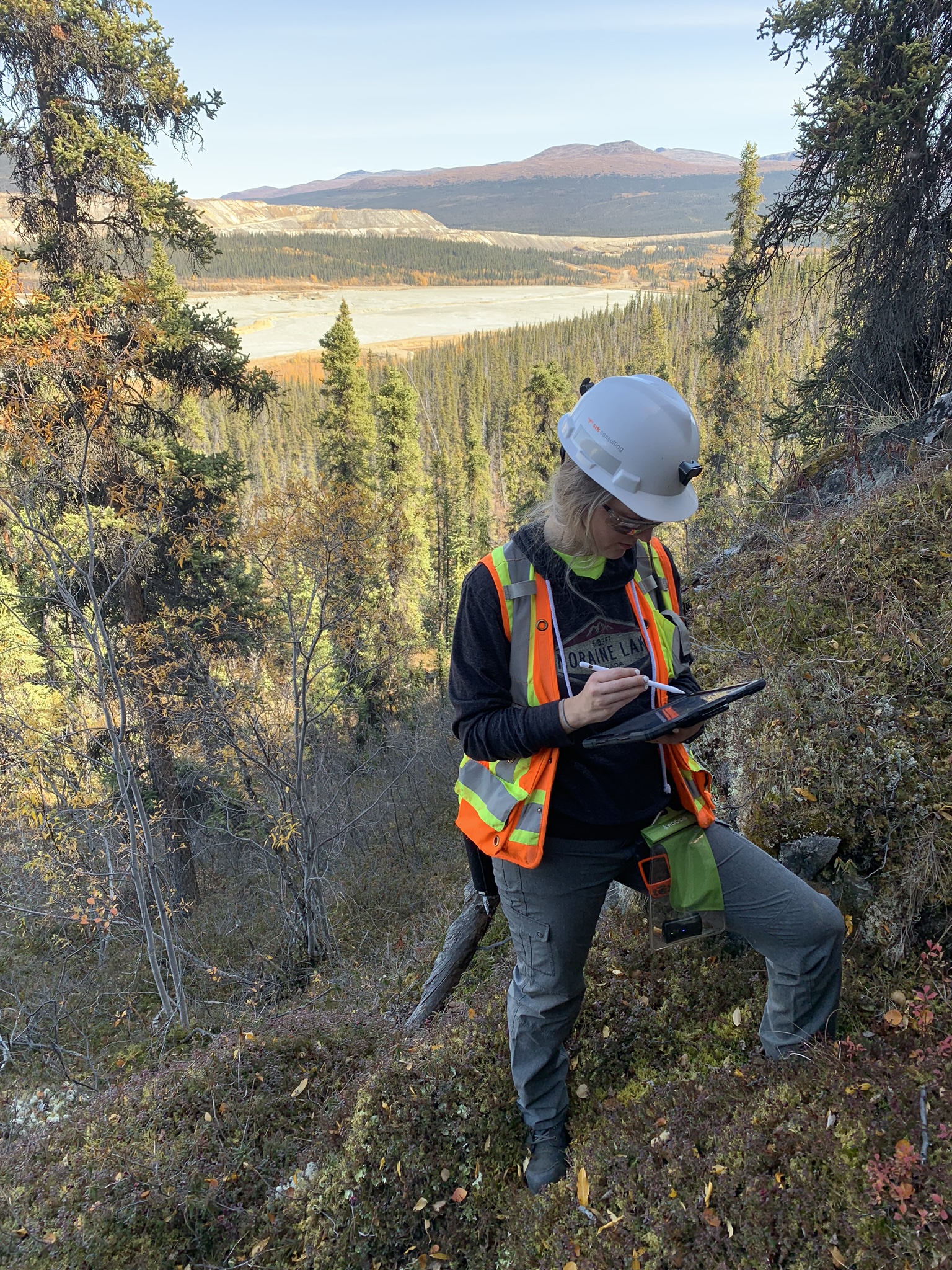
Why Is Mapping Important?
Capture geological observations quickly, safely, and accurately, both in the field and office with HiveMap...

Women Geoscientists in Canada
We are proud sponsors of WGC, advocates for increased gender balance within geosciences...

Visualize 3D vector properties
In GOCAD Mining Suite the normal of a surface is an example of a 3D vectorial property, where the components of the vector are...