



Have a look at these short ~2 minute videos and find out how, through Geoscience ANALYST’s viewer, you can import and visualize your 3D seismic data. Also, through Pro, you can plan your next seismic survey with the seismic reflection survey designer.

Previous tips can be found under the Software tip category in our News page and in our Archives page. Join our Virtual Lecture series that showcases technological advancements and provides quick tutorials on Geoscience ANALYST features. More details about this series on our Events page or sign-up to the mailing list.
Latest news

UBC-GIF or VP Suite inversion?
"The programs are complementary, and the combination gives one the ultimate flexibility in potential-field inversion,” says Kristofer Davis, Scientific Programmer at Mira Geoscience.

Default data colour settings
In Geoscience ANALYST you can set a default colour table and colour mapping transformation function. This way, when you import or create new data, it will be coloured by default.

Importing objects from project
In GOCAD Mining Suite you can easily import objects from one GOCAD project to another by...

Drillhole Statistics
In Geoscience ANALYST you can compute drillholes’ deviation statistics. These include...

New filter options on the File manager and the Maps/plans/sections
In Geoscience INTEGRATOR, you can now find files quickly by using the new extension, tags and uploaded by filters...

New clustering application in geoapps
geoapps - Exploratory Data Analysis (EDA), rock classification generation, or map alteration footprints

Manual classifications vs Project classifications
In Geoscience INTEGRATOR, There are two ways to create classifications when importing data...
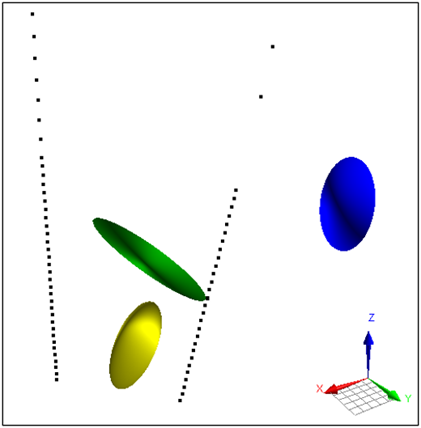
Parametric Ellipsoid Modelling in Geoscience ANALYST Pro Geophysics
A Fast New Way to Interpret TEM Anomalies. Read more >>

Data set search tools
In Geoscience INTEGRATOR, you can search by data set name or description through the Data set search...