



Objects can be copied from one Workspace to another by using Ctrl+C and Ctrl+V. You could, for example, copy the orebody shell from your geology compilation into a Workspace with geophysical inversion results to evaluate how well the inversion matches it.

Previous tips can be found under the Software tip category in our News page and in our Archives page. Join our Virtual Lecture series that showcases technological advancements and provides quick tutorials on Geoscience ANALYST features. More details about this series on our Events page or sign-up to the mailing list.
Latest news

ODBC drillhole import
In Geoscience ANALYST you can import drillholes straight from your ODBC database...

Geoscience ANALYST Pro Geophysics Consortium
Focused on delivering software and methods that make the use of advanced geophysics a day-to-day, practical reality for industry.

Reshape using spiderwebs
GOCAD Mining Suite v19 allows you to reshape your surfaces and 2D Grids with a spiderweb editing tool...

Managing import templates
In Geoscience INTEGRATOR it is possible to edit Import template names and no-data values, activate/deactivate templates, see...
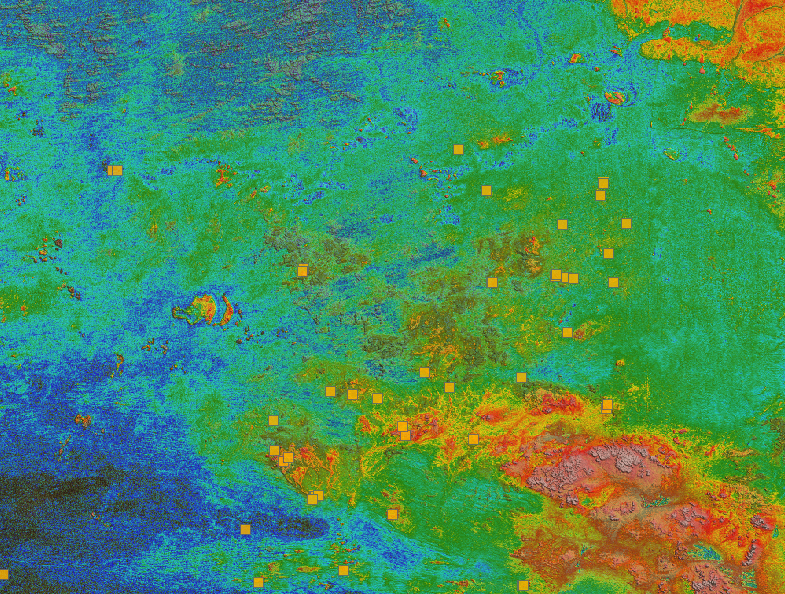
Building a greenfields project from public data in Geoscience ANALYST Pro – Virtual Lecture
See recording - Gem shows how Geoscience ANALYTS is a great tool to do exploration without getting your boots dirty...
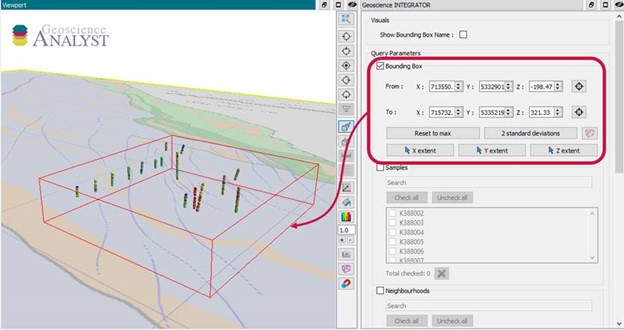
Automatic calculation of XYZ for drillhole sample location
In Geoscience INTEGRATOR, drillhole sample locations are automatically computed as XYZ by the system from the deviation surveys...

Québec Mining 2024
Explore the full interview that Scott Napier did for Québec Mining 2024

New filter options on the File manager and the Maps/plans/sections
In Geoscience INTEGRATOR, you can now find files quickly by using the new extension, tags and uploaded by filters...
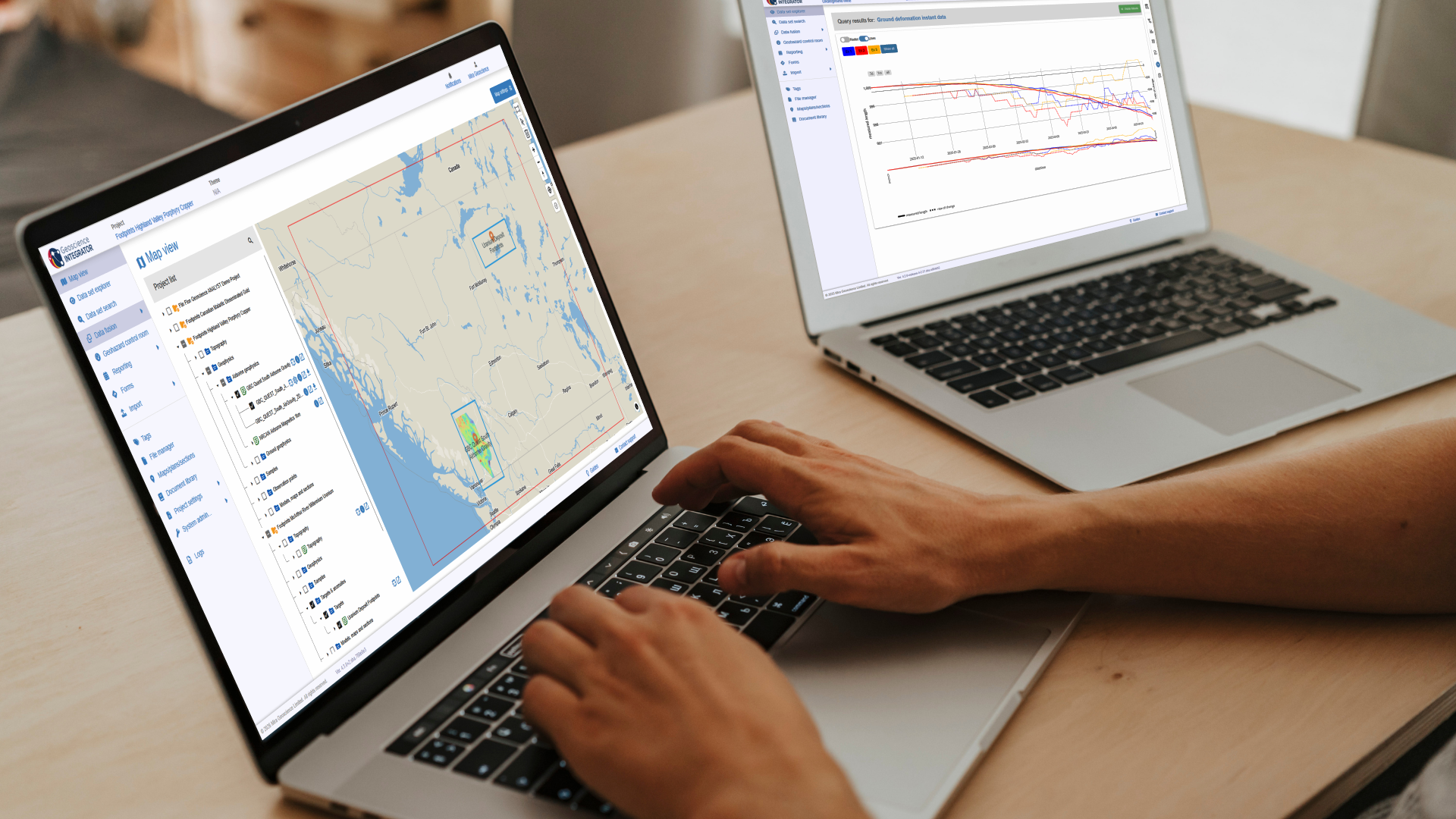
New release – Geoscience INTEGRATOR 4.3
Geoscience INTEGRATOR 4.3 introduces exciting new features to help you manage your data more efficiently and streamline your workflow