



Having trouble finding one object out of hundreds in your workspace? Try searching your Objects panel (Ctrl+F).
The panel will update to show you the groups, objects, or data that match your search. By default, the object’s bounding box and names will be displayed in the Viewport. To view the objects, click on Show search results ONLY  .

The search also supports standard wildcards, for example:

Previous tips can be found under the Software tip category in our Resources page and in our Archives page.
Latest news

View neighbourhoods in 3D
You can display your neighbourhoods in Geoscience INTEGRATOR 3D viewer, making it easier to understand spatial distribution of the data.
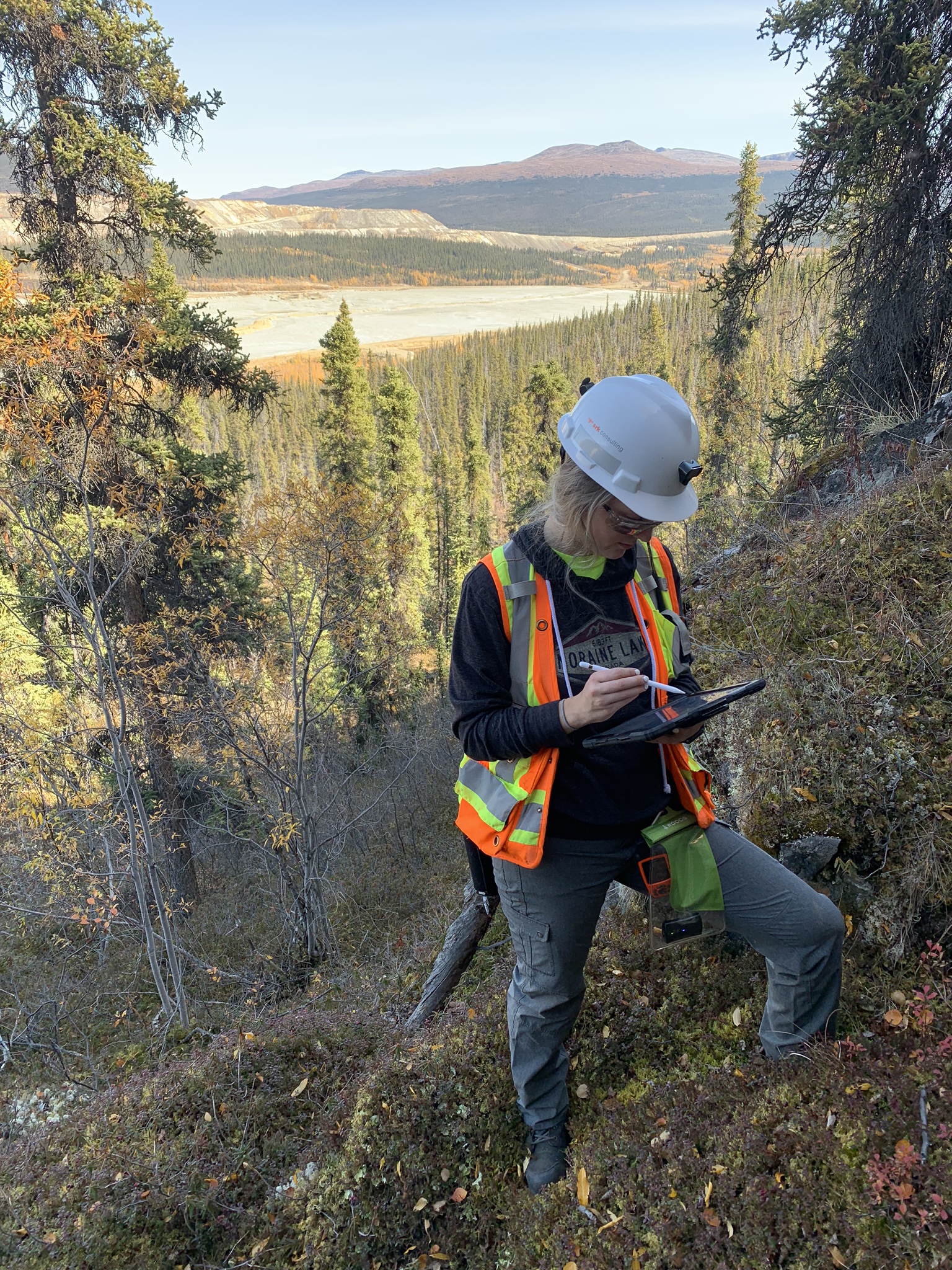
Why Is Mapping Important?
Capture geological observations quickly, safely, and accurately, both in the field and office with HiveMap...

Linking viewports
In Geoscience ANALYST you can synchronize the perspective of all visible Viewports to zoom, pan, and rotate them all at once...

Quick selection search tool
In Geoscience INTEGRATOR we added a search box to help you find objects lists such as drillholes, samples, or stations that often have thousands of items...
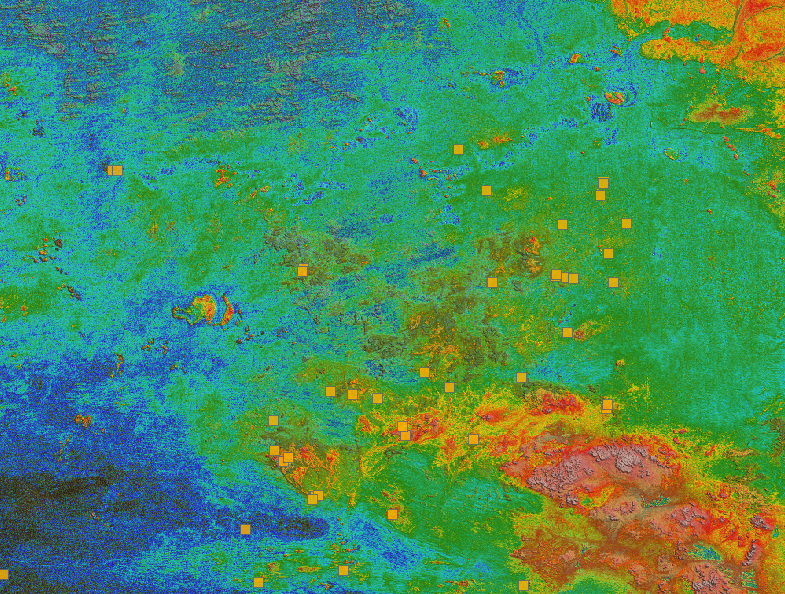
Building a greenfields project from public data in Geoscience ANALYST Pro – Virtual Lecture
See recording - Gem shows how Geoscience ANALYTS is a great tool to do exploration without getting your boots dirty...

Linking cursors
In Geoscience ANALYST you can use the Link Cursors button to helps to track the location of your cursor across multiple Viewports...

Scripting – Geoscience ANALYST Pro – Virtual Lecture
Past event. Have a look at the video to learn about mathematical and logical scripting in Geoscience ANALYST Pro...

Improved data analysis
Analyze your data with enhanced histogram display options available in GOCAD Mining Suite v19...

Data fusion – Automatic sample compilation
In Geoscience INTEGRATOR, the Sample compilation page offers powerful tools to support the analysis of complex or difficult-to-view relationships within your sample data...

Earth model’s themes are renamed
In Geoscience INTEGRATOR v3.7, the “Earth models” theme group is renamed “Models, maps and sections” and the theme’s names were...

Getting started with the Python geoh5py
Past event, view here or via our YouTube channel...

New Visual Parameter – Contours
In Geoscience ANALYST you can visualize contours on 2D grids. Select your data, specify the contour parameters, or change the colour.
..