



In version 19, icons are added to the taskbar when you open windows such as another 3D Viewer or the 3D-GIS Query panel.
When you hover over the icons, you will see a thumbnail preview of that window’s contents. They also give you quick access to windows that you use repeatedly.

When you reopen a window, the icon will already be in the same location as the last time you used it.
Previous tips can be found under the Software tip category in the News section and in the Archives section of our website.
Latest news

Display multiple Voxet sections
In GOCAD Mining Suite, you can create additional sections, hide/show them, use the slider and arrow to position them along the Voxet, and delete them...

Linking cursors
In Geoscience ANALYST you can use the Link Cursors button to helps to track the location of your cursor across multiple Viewports...

Importing and preparing DC/IP data for inversion with Geoscience ANALYST – Virtual Lecture
In 20 mins, Kristofer shows v3.4 new functionality for pre-processing and visualization of DC/IP 2D and 3D data - Geoscience ANALYST...

New release – Geoscience ANALYST 4.5
Geoscience ANALYST 4.5 brings performance improvements and key new features to all modules. Download it now!

Adding reference images
You can add reference images to mine fusion models and hazard reports in Geoscience INTEGRATOR to better orient yourself visually.

Bounding boxes in the viewer
Coloured bounding boxes are used to highlight volumes in the Viewport: A purple box surrounds your current selection...
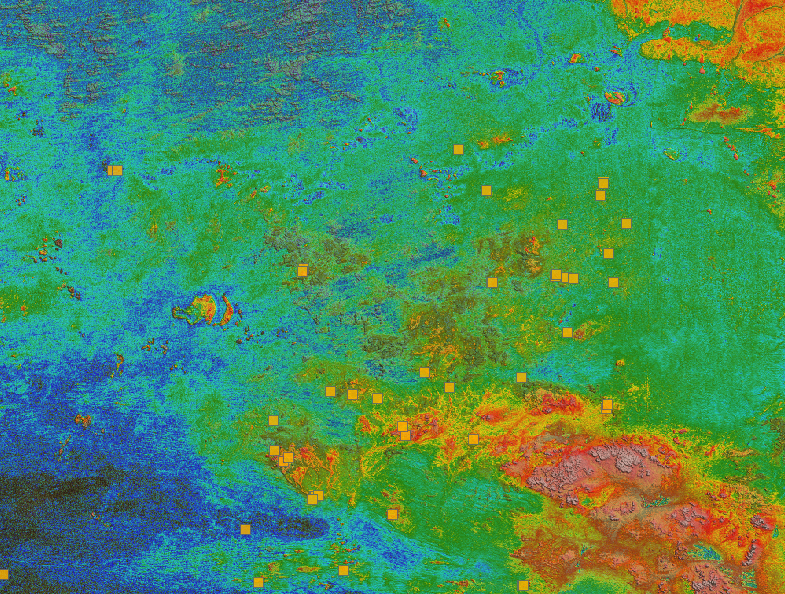
Building a greenfields project from public data in Geoscience ANALYST Pro – Virtual Lecture
See recording - Gem shows how Geoscience ANALYTS is a great tool to do exploration without getting your boots dirty...

Organizing files as data sets
In Geoscience INTEGRATOR, a data set is often composed of a group of files of various formats along with metadata. These can be grouped...

Viewing data from report items
In Geoscience INTEGRATOR table and chart items from ad-hoc or scheduled reports can be easily refreshed, using the same filters that were applied in the original report, to display current data.

Geoscience ANALYST Pro Geophysics Consortium
Focused on delivering software and methods that make the use of advanced geophysics a day-to-day, practical reality for industry.

Easily display a property on multiple objects
In GOCAD Mining Suite objects are grouped by the properties they contain...

Québec Mining 2024
Explore the full interview that Scott Napier did for Québec Mining 2024