



Reference images can be added to mine fusion models and hazard reports to better orient yourself visually. You can upload images like level plans, drift outlines or secondary grids.


Previous tips can be found under the Software tip category in the News section and in the Archives section of our website.
Latest news

Editing property settings: Display template
In GOCAD Mining Suite you can editing property settings through display templates...

Pointer Tracking
In GOCAD Mining Suite you can take advantage of the Pointer Tracking view to track coordinates, objects, and properties.

Importing objects from project
In GOCAD Mining Suite you can easily import objects from one GOCAD project to another by...

15 tips in 15 minutes
15 Geoscience ANALYST tips on advanced visualization and knowledge sharing...

Crustal scale gravity modelling and isostatic correction over central Chile
View recording - Thomas demonstrates how to apply an isostatic correction to gravity data through a case study over central Chile using...

Reshape using spiderwebs
GOCAD Mining Suite v19 allows you to reshape your surfaces and 2D Grids with a spiderweb editing tool...

What’s new in Geoscience ANALYST version 4.0 – Virtual Lecture
Watch as Carla shows the new and updated tools in Geoscience ANALYST 4.0...
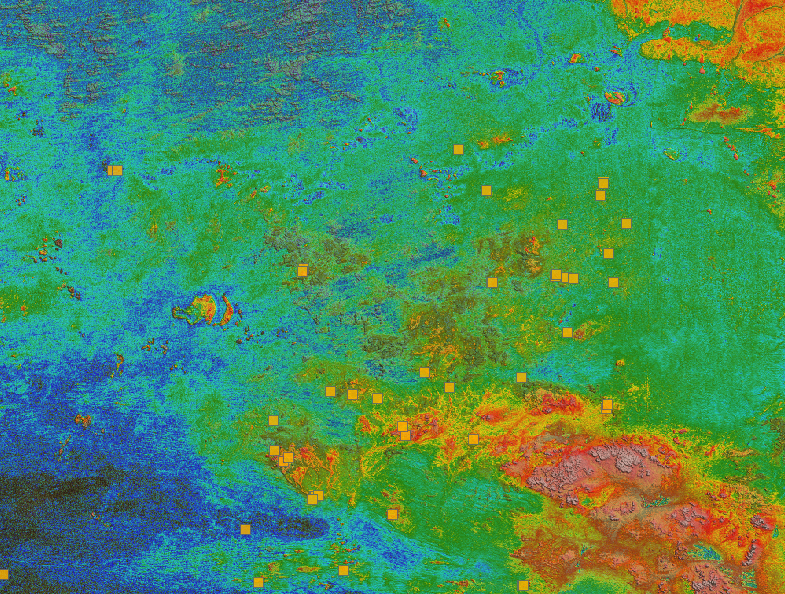
Building a greenfields project from public data in Geoscience ANALYST Pro – Virtual Lecture
See recording - Gem shows how Geoscience ANALYTS is a great tool to do exploration without getting your boots dirty...

Display multiple Voxet sections
In GOCAD Mining Suite, you can create additional sections, hide/show them, use the slider and arrow to position them along the Voxet, and delete them...

Automatic rotation
In Geoscience ANALYST you can autorotate viewport when presenting your 3D geoscientific data and models...

A YouTube Channel about 3D modelling
We have quite a few how-to and tutorial videos lined up on YouTube highlighting our earth modelling, interpretation, and data management software for the construction of plausible geological models.

Using ioGAS in Geoscience ANALYST Pro – Virtual Lecture
Past event, recording available here...