



A project is likely to collect a great quantity of files on both the File manager and the Maps/plans/sections pages. On top of using Tags and Data set linking, you can give them a File type from a customizable list in the project settings.

Previous tips can be found under the Software tip category in the News section and in the Archives section of our website.
Latest news

New raster imports
In Geoscience ANALYST you can now import GeoTIFF (tif, tiff), ERMapper (ers), and Surfer (grd)...
..

Assign geological features
In GOCAD, the Assign Data to Geologic Features window now has mining categories to facilitate more efficient organization...

Crustal scale gravity modelling and isostatic correction over central Chile
View recording - Thomas demonstrates how to apply an isostatic correction to gravity data through a case study over central Chile using...
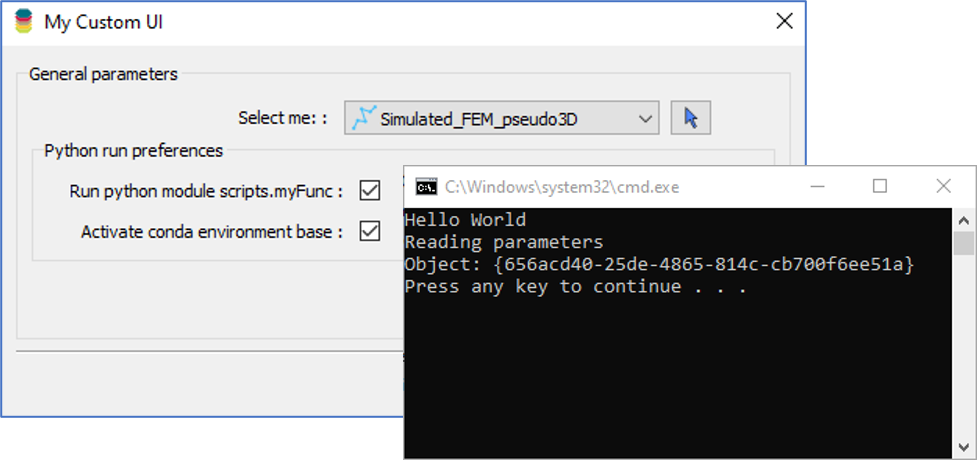
Using Python in Geoscience ANALYST Pro – Virtual Lecture
Past event, link available here...

R&D projects in data management
Over the past couple of years we have been developing skills and technology in practical, business-focused data management as a solid foundation for modelling, analysis, and interpretation.

No-data values on import templates
In Geoscience INTEGRATOR, you can prevent importing no-data value strings by providing a general NDV to be applied to all properties of the template...

Québec Mining 2024
Explore the full interview that Scott Napier did for Québec Mining 2024

Creating surfaces from points
With Geoscience ANALYST Pro module, you can create surfaces from any points imported in your workspace...

Documents linked to a project
When documents are linked to a project in Geoscience INTEGRATOR, it is possible to be more specific and link them to the project’s data sets...

The value of using structural restoration tools in exploration modelling – Virtual Lecture
Watch recording - Jean-Philippe shows the use of structural restoration tools in GMS as a modelling tool for structurally controlled deposits...

Filtering data by neighbourhood
In the web UI, you can rapidly filter your data by neighbourhoods and display it in plots, charts, or tables.

Generating exploration models from a detailed structural interpretation and Artificial Intelligence
This approach uses the comment field of the logging table to extract general topics that can then be used as learning features in a supervised machine learning classification approach.