



There are various ways to filter time-based data. Some examples:
Shifts can be used to show blasts during morning shifts and the Property filter will allow you to select on what day(s).
The Property filters could also be used to display a crossplot of properties of rockburst incidents between selected dates.
Day interval filters could be used to create a histogram of the count of microseismic events that have occurred daily in the last 10 days.
Once you are happy with your filter, you can generate the results in a table or a chart.

Previous tips can be found under the Software tip category in the Resources section and in the Archives section of our website.
Latest news

Linking cursors
In Geoscience ANALYST you can use the Link Cursors button to helps to track the location of your cursor across multiple Viewports...

Visualize 3D vector properties
In GOCAD Mining Suite the normal of a surface is an example of a 3D vectorial property, where the components of the vector are...

Macros
In GOCAD Mining Suite you can save lots of time with SKUA-GOCAD’s macros, a built-in scripting tool in which you can record or enter a sequence of commands to carry out or repeat at any time...
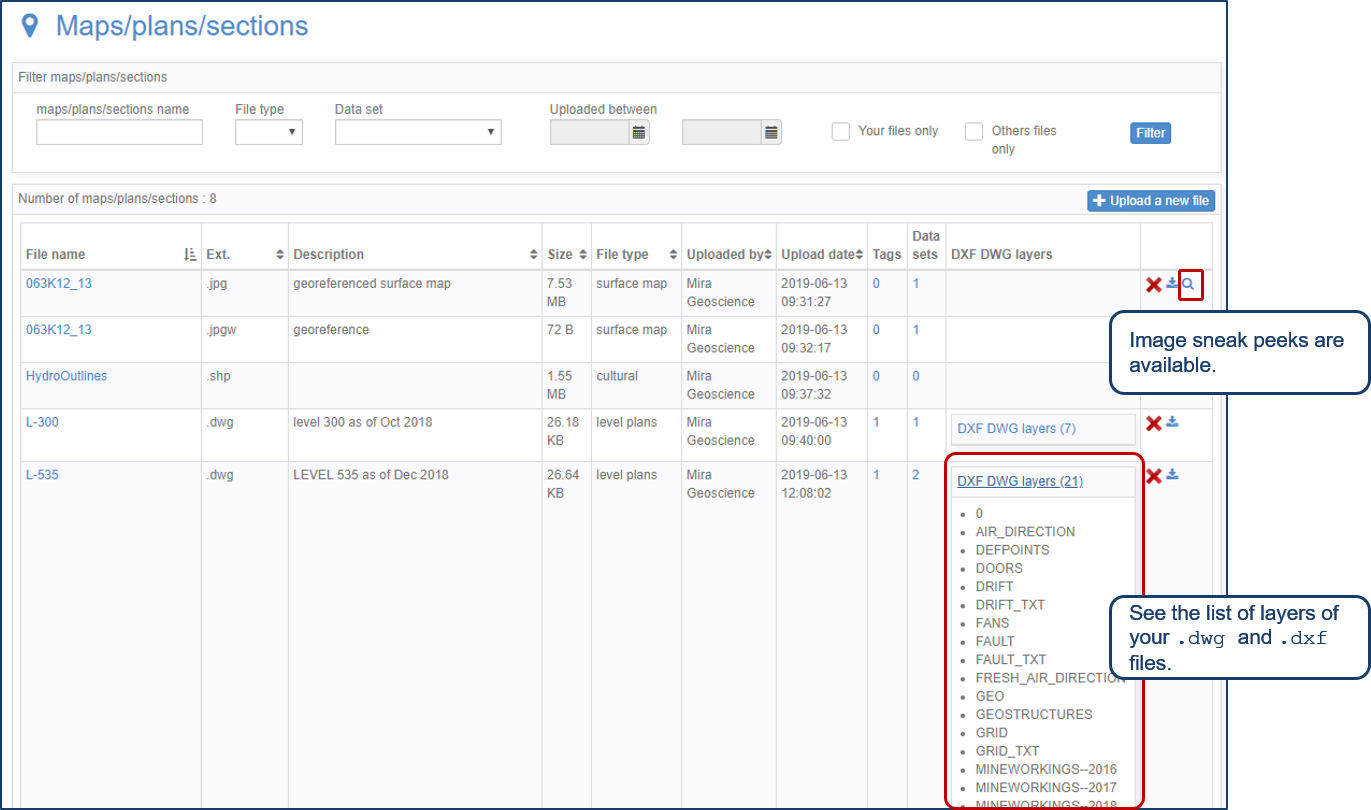
Preview files in the Maps/plans/sections page
See the list of layers of your .dwg and .dxf files. Image sneak peeks are also available...

Attending AEGC 2025?
Visit us at booth #44 to see our software solutions in action and discuss your needs with our expert team!

Improved data analysis
Analyze your data with enhanced histogram display options available in GOCAD Mining Suite v19...

Find and Replace
In GOCAD Mining Suite find and replace any objects you're looking for in no time...

Data set summaries
In Geoscience INTEGRATOR The Data set explorer provides simple, immediate ‘dashboard’ access to all the data sets, and their summary information...

GEOH5: A Framework for Geoscience Data and Model Portability
Used by thousands, GEOH5 is the open-source data structure that is taking down the interoperability barriers and revolutionizing...
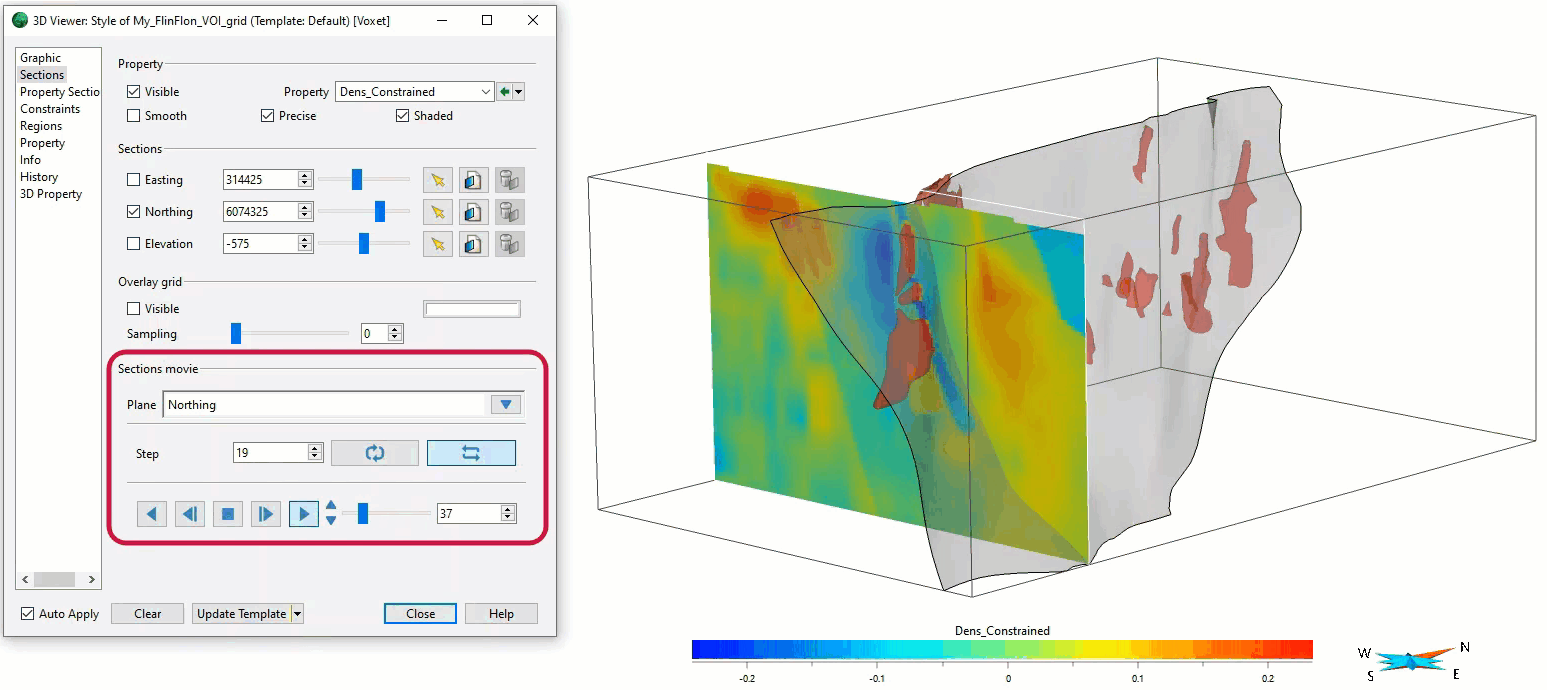
Sections movies
In GOCAD Mining Suite, you can create a section animation by specifying which section plane you want to visualize...

Machine learning in mineral exploration
We have applied machine learning as part of custom solutions to complex exploration and geotechnical problems since 2015...

Importing objects from project
In GOCAD Mining Suite you can easily import objects from one GOCAD project to another by...